
During my analysis of malware samples submitted to VirusTotal 1, I uncovered the Wazp ransomware, which belongs to the STOP/Djvu ransomware family. This malicious software encrypts files and adds the “.wazp” extension to their original filenames. For instance, a file named “a.jpg” would be transformed into “a.jpg.wazp“, while “b.doc” would become “b.doc.wazp“.
I have compiled an extensive list of potential solutions, tips, and best practices to combat the Wazp virus and regain access to encrypted files. Various factors determine the success of file recovery, including the complexity of the infection and the availability of backups.
The Wazp ransomware uses a unique key for each victim, except in one case:
- If the Wazp ransomware cannot establish a connection with the command and control server (C&C Server) before initiating the encryption process, it uses the offline key. This specific key is shared among all victims, allowing for the decryption of files affected by a ransomware attack.
What is Wazp virus?
☝️ Wazp can be correctly identify as a STOP/DJVU ransomware-type infection.
The Wazp ransomware is a kind of malware that encrypted your files and then forces you to pay to restore them. The image below gives a clear vision of how the files with “.wazp” extension look like:
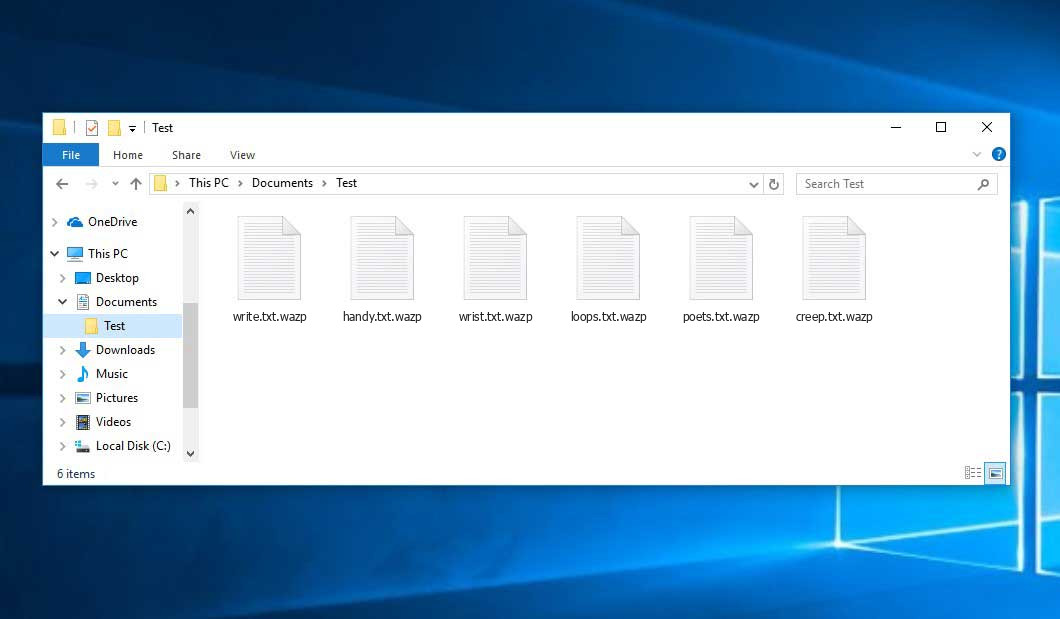
Wazp File (STOP/DJVU Ransomware)
| Name | Wazp Virus |
| Ransomware family2 | DJVU/STOP3 ransomware |
| Extension | .wazp |
| Ransomware note | _readme.txt |
| Ransom | From $490 to $980 (in Bitcoins) |
| Contact | [email protected], [email protected] |
| Detection | Win32.Virlock.Gen.4, NSIS/Injector.MK, Generic.Trojan.Malicious.DDS |
| Symptoms |
|
| Fix Tool |
To remove possible malware infections, scan your PC:
6-day free trial available. |
The ransom message demands payment in exchange for a decryption key to restore the encrypted files:
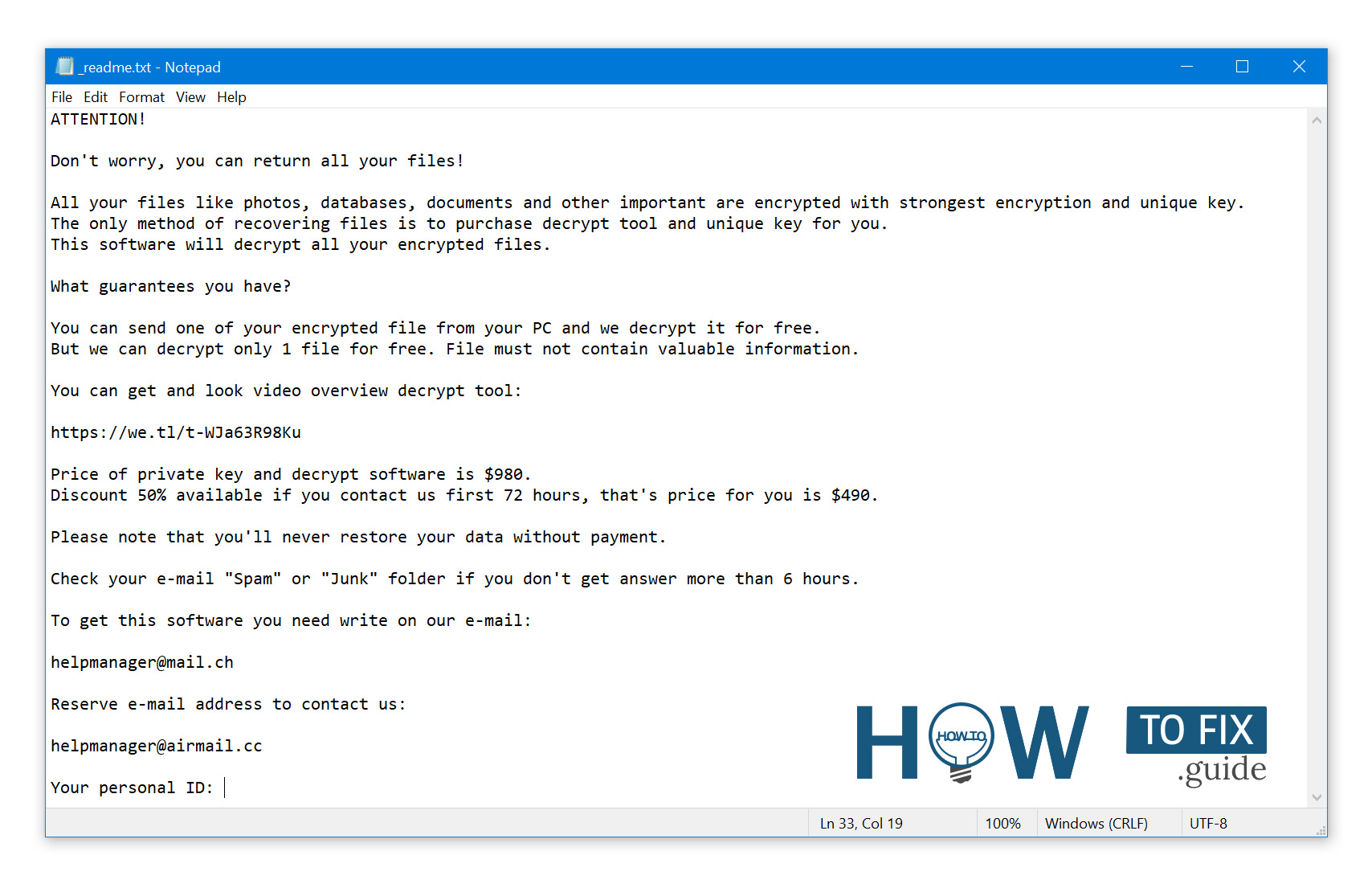
The _readme.txt file contains message demanding ransom payment to decrypt the encrypted data.
The Wazp ransomware enters a victim’s computer as a series of processes designed to carry out various tasks. One of the initial processes launched is winupdate.exe, which displays a deceptive Windows update prompt during the attack. This tactic aims to deceive the victim into believing that a sudden system slowdown is due to a legitimate Windows update. Meanwhile, the ransomware initiates another process (usually named with four random characters) that scans the system for target files and encrypts them. To further hinder recovery efforts, the ransomware utilizes the following CMD command to delete Volume Shadow Copies:
vssadmin.exe Delete Shadows /All /Quiet
Once these copies are deleted, it becomes impossible to restore the computer to its previous state using System Restore Points. The ransomware operators intentionally eliminate any Windows OS-based methods that could assist victims in file restoration without paying a ransom. Additionally, the criminals modify the Windows HOSTS file by adding a list of domains and mapping them to the localhost IP. Consequently, when the victim attempts to access any of the blocked websites, they will encounter a DNS_PROBE_FINISHED_NXDOMAIN error.
It has been observed that the ransomware attempts to block websites that provide how-to guides for computer users. This indicates that the perpetrators are deliberately restricting access to relevant and helpful information regarding ransomware attacks. Furthermore, the virus saves two text files on the victim’s computer containing attack-related details: the victim’s public encryption key and personal ID. These files are named bowsakkdestx.txt and PersonalID.txt.
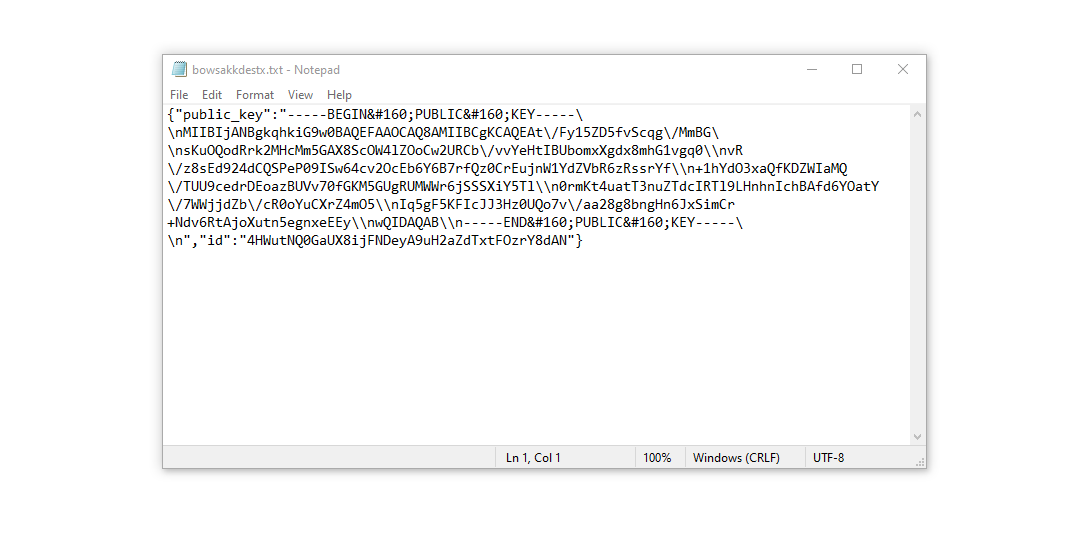
Even after these modifications, the malware continues to wreak havoc. Variants of the STOP/DJVU ransomware often deploy the Vidar password-stealing Trojan on compromised systems. This Trojan possesses a broad range of capabilities, including:
- Stealing login credentials for Steam, Telegram, and Skype;
- Stealing cryptocurrency wallets;
- Downloading and executing additional malware on the infected computer;
- Extracting browser cookies, saved passwords, and browsing history;
- Viewing and manipulating files on the victim’s computer;
- Enabling remote control and execution of other tasks by the hackers.
The DJVU/STOP ransomware employs the AES-256 cryptography algorithm. Therefore, if your documents have been encrypted with an online decryption key, it is impossible to decrypt the files without the unique key.
In the event that Wazp ransomware operated in online mode, gaining access to the AES-256 key is unattainable. The key is stored on a remote server owned by the criminals behind the Wazp virus.
To receive the decryption key, the ransom message instructs victims to make a payment of $980. The message encourages victims to contact the fraudsters via email at [email protected] to obtain payment details.
The message by the ransomware states the following information:
ATTENTION!

Don't worry, you can return all your files!

All your files like photos, databases, documents and other important are encrypted with strongest encryption and unique key.
The only method of recovering files is to purchase decrypt tool and unique key for you.
This software will decrypt all your encrypted files.

What guarantees you have?

You can send one of your encrypted file from your PC and we decrypt it for free.
But we can decrypt only 1 file for free. File must not contain valuable information.

You can get and look video overview decrypt tool:

https://we.tl/t-WJa63R98Ku

Price of private key and decrypt software is $980.
Discount 50% available if you contact us first 72 hours, that's price for you is $490.

Please note that you'll never restore your data without payment.

Check your e-mail "Spam" or "Junk" folder if you don't get answer more than 6 hours.

To get this software you need write on our e-mail:

[email protected]

Reserve e-mail address to contact us:

[email protected]

Your personal ID:
XXXXXXXXXXXXXXXXXXXXXXXXXXXXXXX
The _readme.txt file also indicates that the computer owners must get in touch with the Wazp representatives during 72 hours starting from the moment of files were encrypted. On the condition of getting in touch within 72 hours, users will be granted a 50% rebate. Thus the ransom amount will be minimized down to $490). However, stay away from paying the ransom!
I certainly advise that you do not contact these crooks and do not pay. The one of the most real working solution to recover the lost data – just using the available backups, or use Decrypter tool from Emsisoft.
The peculiarity of all such viruses apply a similar set of actions for generating the unique decryption key to recover the ciphered data.
Thus, unless the ransomware is still under the stage of development or possesses with some hard-to-track flaws, manually recovering the ciphered data is a thing you can’t perform. The
only solution to prevent the loss of your valuable data is to regularly make backups of your crucial files.
Note that even if you do maintain such backups regularly, they ought to be put into a specific location without loitering, not being connected to your main workstation.
For instance, the backup may be kept on the USB flash drive or some alternative external hard drive storage. Optionally, you may refer to the help of online (cloud) information storage.
Needless to mention, when you maintain your backup data on your common device, it may be similarly ciphered as well as other data.
For this reason, locating the backup on your main device is surely not a wise idea.
How Was I Infected?
Ransomware can infiltrate your system through various methods, and the specific way it infected your system may not be crucial.
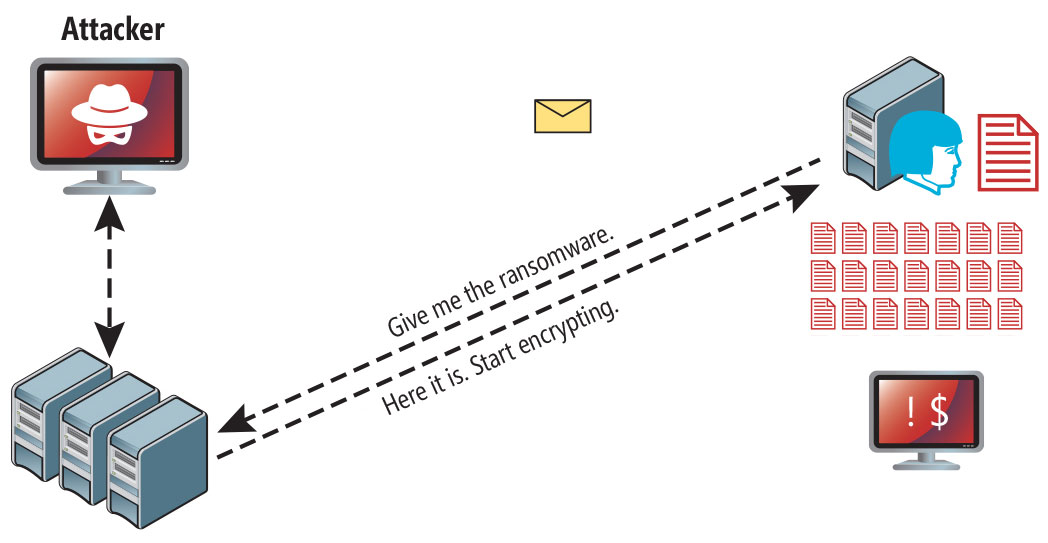
Wazp virus attack following a successful phishing attempt.
However, there are common vulnerabilities through which ransomware can infiltrate your PC:
- Ransomware can hide during the installation of other applications, especially utilities that are offered as freeware or shareware.
- Clicking on suspicious links in spam emails can lead to the installation of ransomware.
- Using online free hosting resources can expose your system to ransomware.
- Downloading pirated software from illegal peer-to-peer (P2P) resources puts your system at risk of ransomware infection.
In some cases, the Wazp virus may masquerade as a legitimate tool, such as messages demanding unwanted software or browser updates. This is a tactic used by online fraudsters to deceive you into manually installing the Wazp ransomware without your knowledge.
Typically, the fake update alert won’t reveal that you are actually installing the virus. It will be disguised as an alert suggesting the need to update Adobe Flash Player or another questionable program.
Engaging in illegal activities such as using cracked apps and participating in illegal P2P activities not only violates the law but also exposes your system to severe malware, including the Wazp ransomware.
To summarize, what can you do to prevent the Wazp ransomware from infecting your device? While there is no 100% guarantee, here are some tips to help you avoid Wazp infiltration:
- Exercise caution when installing free software and carefully review what is included alongside the main program.
- Avoid opening suspicious email attachments or files from unknown senders.
- Ensure that your security software is always up to date.
Ransomware does not openly reveal itself and won’t appear in the list of installed programs. Instead, it operates discreetly as a malicious process running in the background from the moment your computer starts.
How To Remove Wazp Virus?
In addition to encode a victim’s files, the Wazp virus has also started to install the Vidar Stealer on PC to steal account credentials, cryptocurrency wallets, desktop files, and more.
-
Run the setup file.
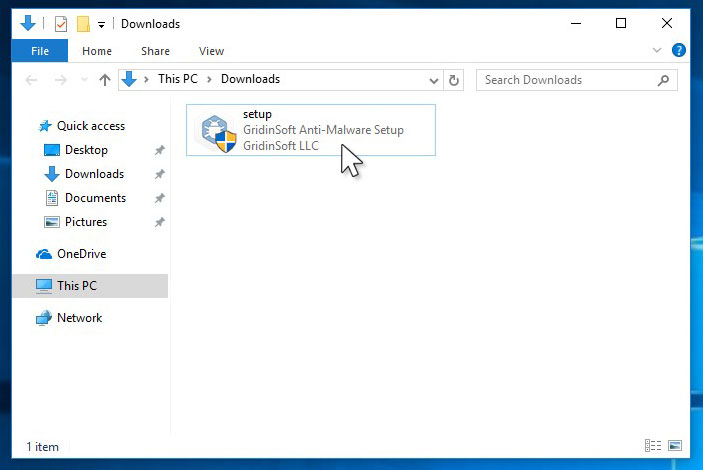
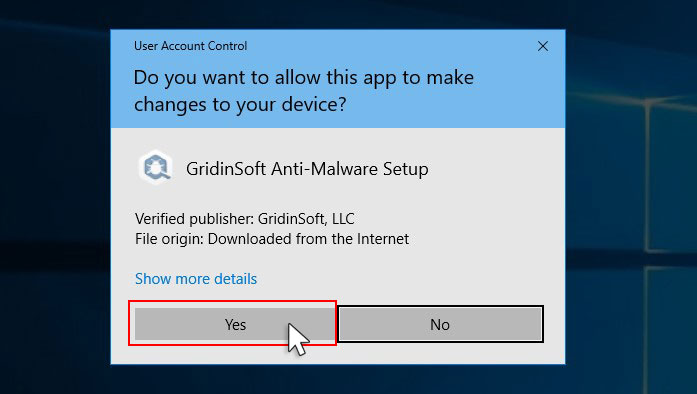
-
Press “Install” button.
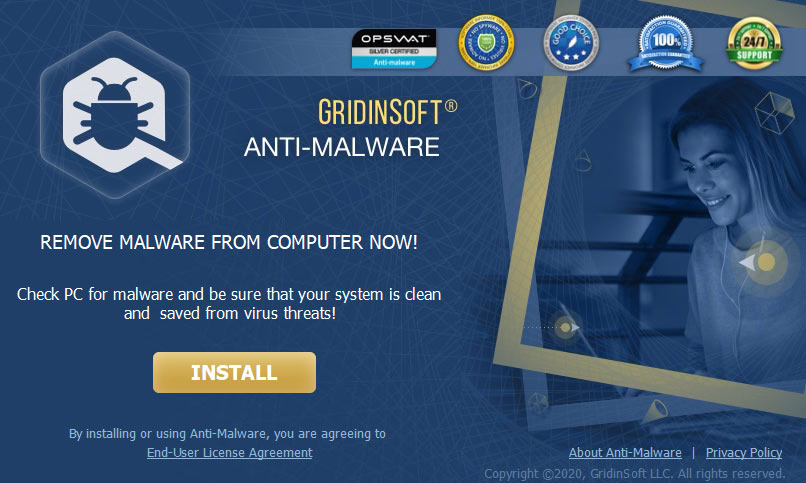
-
Once installed, Anti-Malware will automatically run.
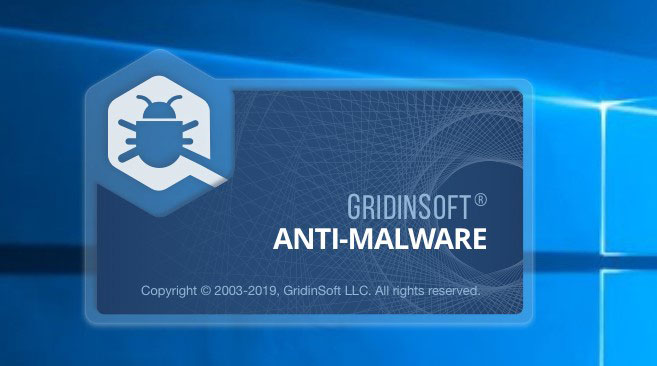
-
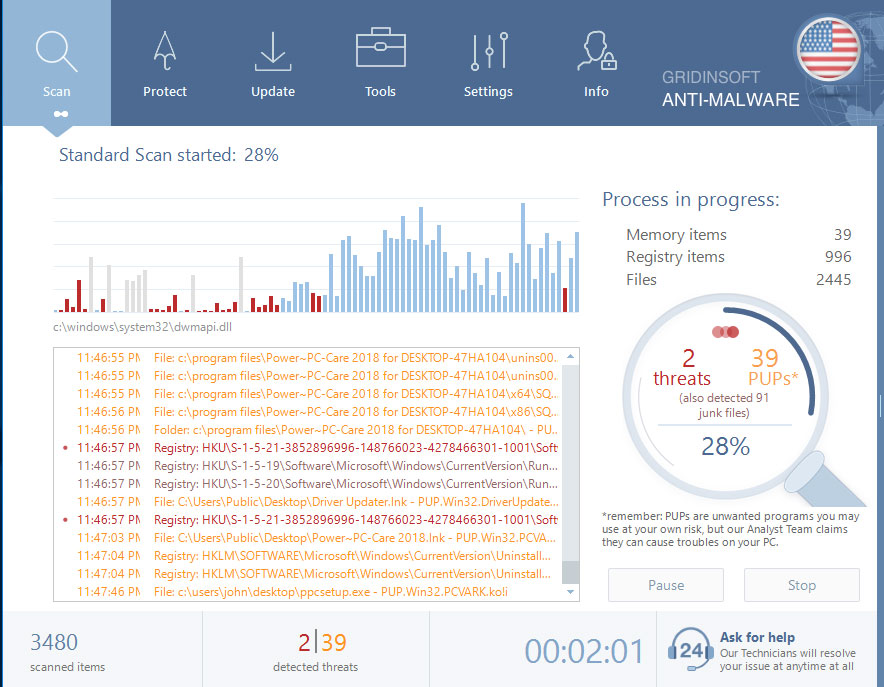
Wait for complete.
-
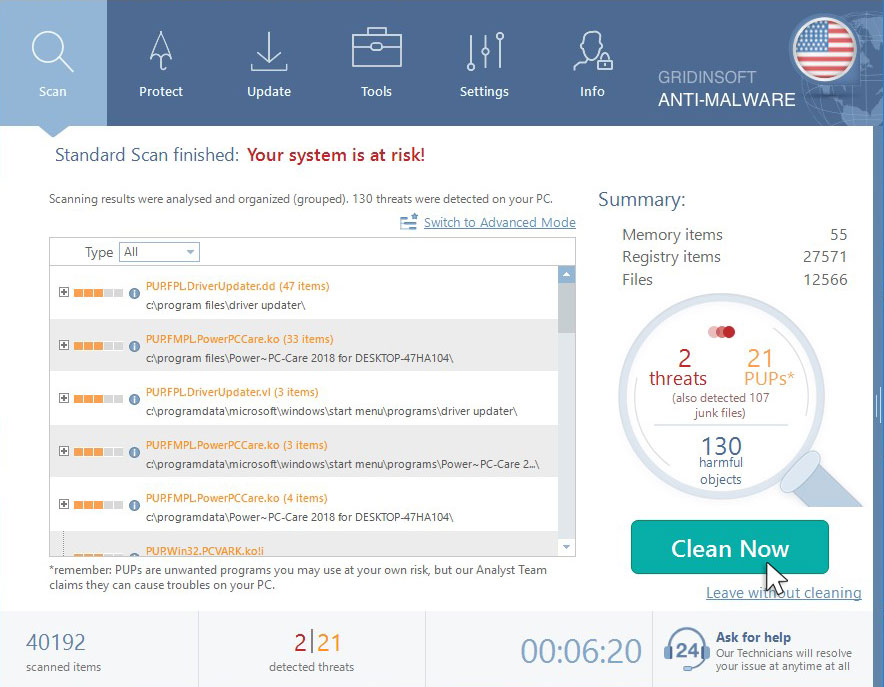
Click on “Clean Now”.


Leave a Comment