
Truebot (also known as Silence.Downloader), is a malicious program with botnet and loader/injector capabilities. This malware can add victims’ devices to a botnet and cause chain system infections, downloading and installing additional malicious programs/components.
Significant variation exists in the infection chains and distribution methods employed by Truebot. It is likely that the attackers behind this malicious software will continue making such changes.
What is Truebot?
Truebot infiltrates systems through various means, including email spam campaigns and software vulnerabilities.
| Name | Truebot Malware |
| Detection | Trojan:Win32/Tnega |
| Damage | Truebot can cause extensive damage, including system failure, data loss, privacy breaches, financial losses, and identity theft. |
As mentioned earlier, this malicious program creates botnets by adding victims’ devices to them. Cybersecurity researchers have observed two distinct Truebot botnets. The first is a global botnet, particularly active in Brazil, Mexico, and Pakistan. The second is focused on the United States, with evidence suggesting that it targets the education sector.
Truebot can inject different malicious programs and components into compromised machines. It has been observed infecting devices with Raspberry Robin, FlawedGrace, Cobalt Strike, and Clop ransomware. In some cases, Truebot delivered Raspberry Robin, while in others, it was the other way around.
A component that steals information has been detected in Truebot infections. When this program is used to deliver ransomware, Truebot first employs a data-stealing tool to extract sensitive content and information from compromised networks. This is an example of a double extortion tactic used with ransomware, where victims are threatened with a data leak if they refuse to comply with the ransom demands.
Malware like Truebot can have a wide range of applications, and the cybercriminals using this program are taking advantage of its versatility. Therefore, it is possible that it will be employed in different ways in future campaigns.
In summary, infections like Truebot can cause severe problems such as decreased system performance or failure, data loss, serious privacy issues, financial losses, and identity theft.
Examples of similar malware
We have analyzed thousands of malware samples; some examples of botnets include Phorpiex and Mozi.
Malicious software can have extremely varied functionalities, often in different combinations. However, regardless of how malware operates, its presence on a system poses a threat to device integrity and user safety. It is crucial to remove all threats immediately upon detection.
How did Truebot infiltrate my computer?
Previously, Truebot was actively spread through email spam campaigns. Deceptive emails can contain malicious file attachments or download links. These files can be archives, executables, PDF and Microsoft Office documents, JavaScript, and more. When a malicious file is executed or opened, the infection chain is initiated.
In smaller campaigns, Truebot malware was distributed through a vulnerability in Netwrix auditor software. Based on past campaigns, it is highly likely that the threat actors behind Truebot will continue using different distribution methods.
Generally, malware is proliferated through phishing and social engineering tactics. Malicious software is typically presented as or bundled with legitimate programs or media.
How to avoid malware installation?
We strongly recommend exercising caution with incoming emails, private messages, text messages, and other messages. Do not open attachments or click on links in suspicious or irrelevant emails, as they may be malicious and lead to infections.
Download software only from official and verified sources. Activate and update software using functions/tools provided by legitimate developers, as illegal activation tools (“cracks”) and third-party updaters can contain malware.
Additionally, be vigilant while browsing the internet, as fake and malicious online content often appears legitimate and harmless.
How to remove the Truebot from my PC?
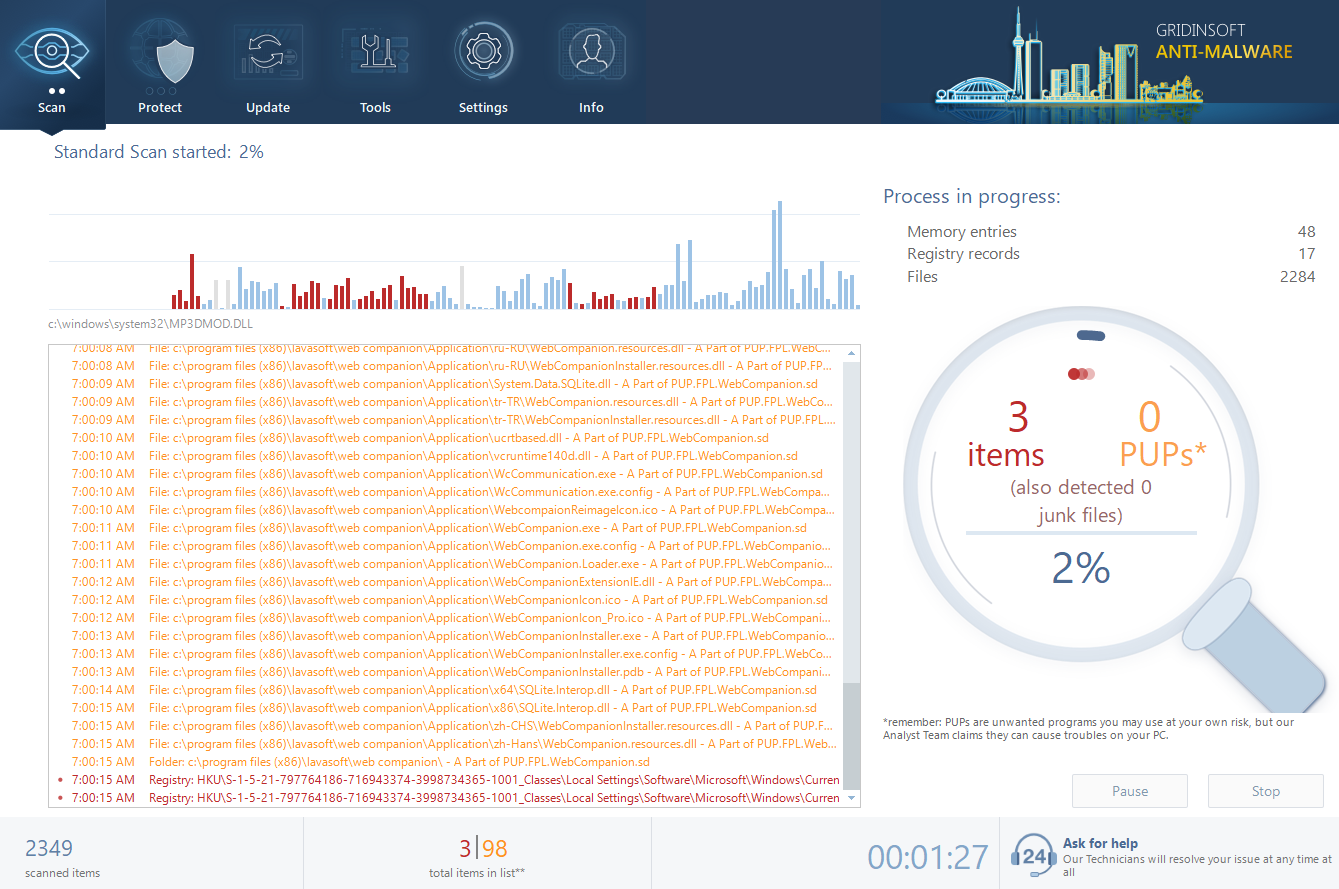
- Standard scan checks the logical disk where the system files are stored, together with the files of programs you have already installed. The scan lasts up to 6 minutes.
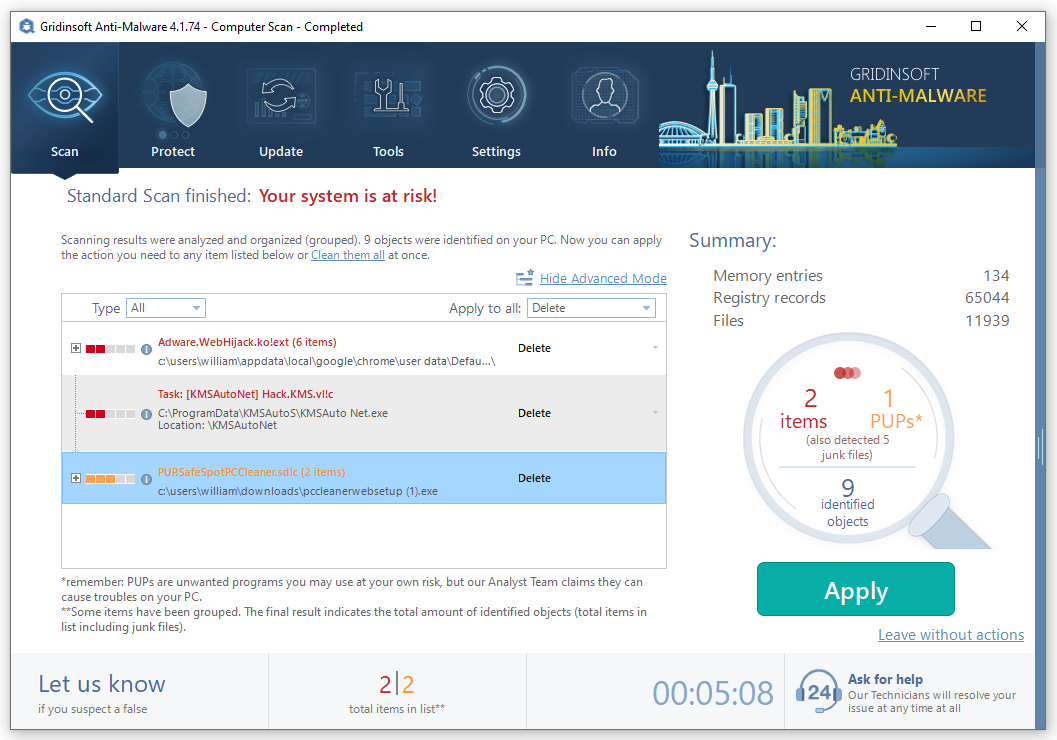
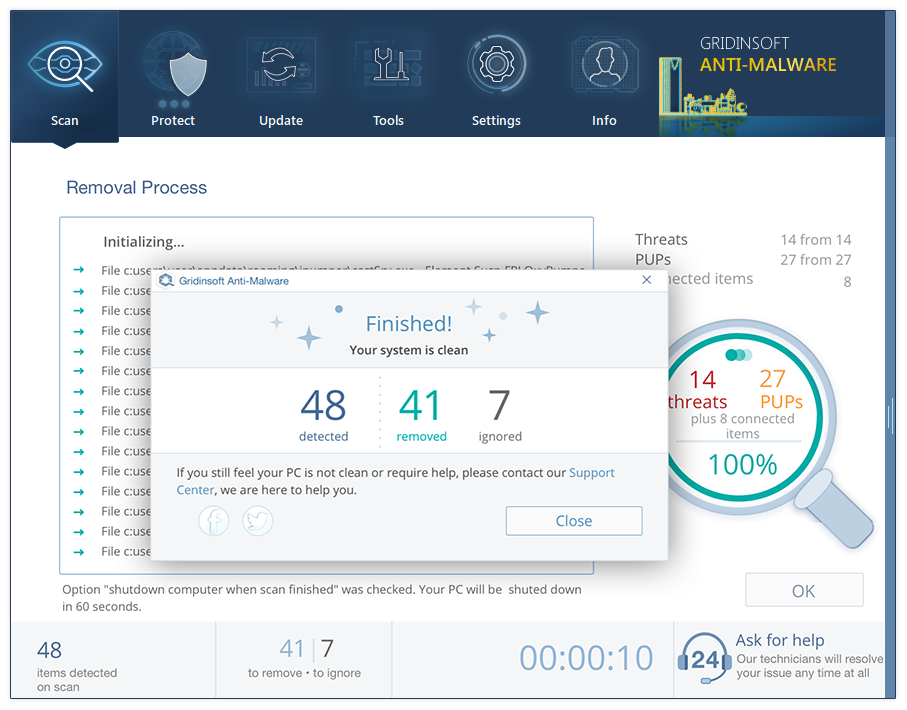
- When the scan is over, you may choose the action for each detected virus. For all files of Truebot the default option is “Delete”. Press “Apply” to finish the malware removal.


Leave a Comment