Sometimes, you may get McAfee on your PC when you have no intentions to install and use it. The cases when McAfee distributes in bundles with potentially unwanted programs or different software that usually has no connection with the program you installed initially. This is still an original McAfee, and . In this article, you will see the guide of unwanted McAfee app removal with a special tool produced by McAfee Inc.
McAfee appeared on my computer, how and why?
A lot of well-known software vendors, like Java (Oracle) or Adobe, distribute their products in bundles with different other software. McAfee and Norton are the ones who distribute one of their products in this pack. The most often “guests” in these bundles are McAfee Security Scan and Norton Security Scan. Users can disable the installation of these tools by checking the EULA of the program you are installing.
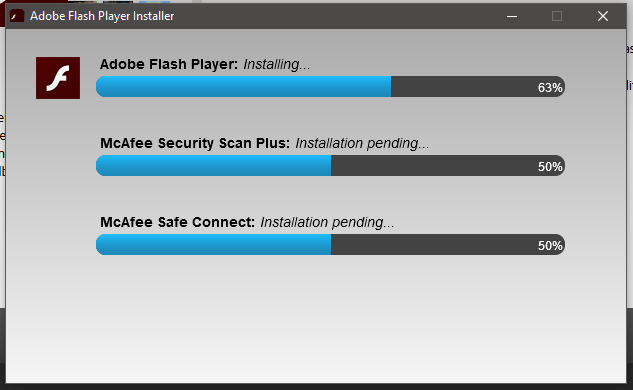
Besides the bundling with legit programs, McAfee may be also installed together with potentially unwanted programs, while installing the hacked software, games or any other programs with illegal origins.
The separate (and the most rare) case is when McAfee is embedded into Windows by the desktop/laptop producer. Such version of this security program cannot be removed in a usual way: it is not displayed in the list of installed programs, as well as cannot be found in the Task Manager.
Are unwanted antiviruses dangerous?
Likely no. But the problem is that it has a very poor detection & protection quality, just like any other free security tool. Microsoft Defender, which is built in every Windows 10, is quite a good tool1 with a very high total protection rates, that are proven by AV-TEST. But McAfee disables it after being installed, even if you didn’t want to do it.
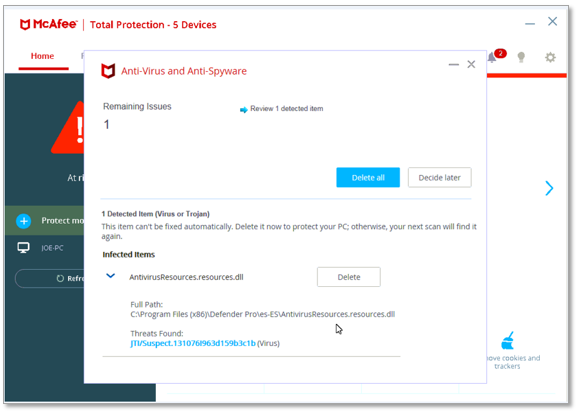
Besides the disabling of Microsoft Defender, this free antivirus has a lot of false detections, which is typical for free and bundled antivirus. These wrong detections may lead to blocking some of important files of the programs you use, or even delete them. The problems may appear even when you deal with the USB boot devices: autorun file, that is required for the correct booting of operating system, is detected by this “security program” as a trojan virus.
Leaving your system without any proper security tool is a very risky thing, especially in the modern computer environment. Malware may be hidden in the places you cannot ever expect, and carry much more massive damage than ever before. Yes, it is possible to use the computer for months, or even for years, without any anti-malware program onboard, and has no troubles with viruses. But such tricks can only be done by experienced users, who know the tight places, where the malicious items may be located. And even they may be infected.
How do I completely remove free McAfee?
The company knows about the cases when users are not able to delete the shareware version of their product because of some reasons. So, they offer a free removal tool that will find and delete the free McAfee from your PC. This thing is surely legit, and may be easily removed after being successfully used.
Run the installation file and confirm it in the UAC. Click “Next” to continue the installation.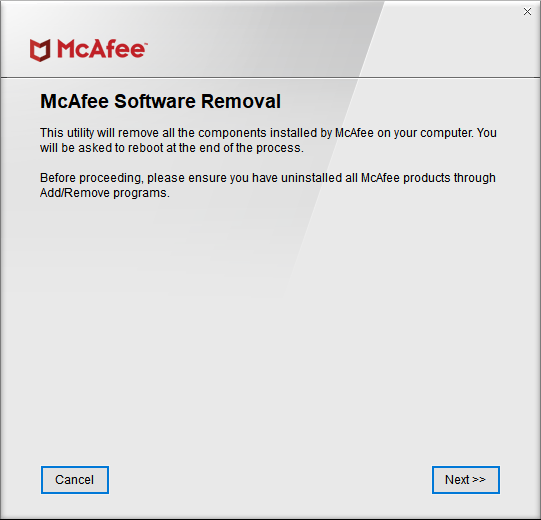
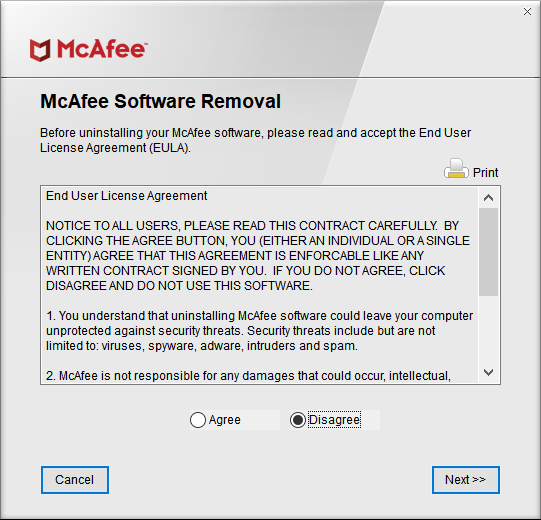
Read the EULA and switch the mark to “Agree”. Click “Next”. Fill the easy captcha and press “Next”, again.
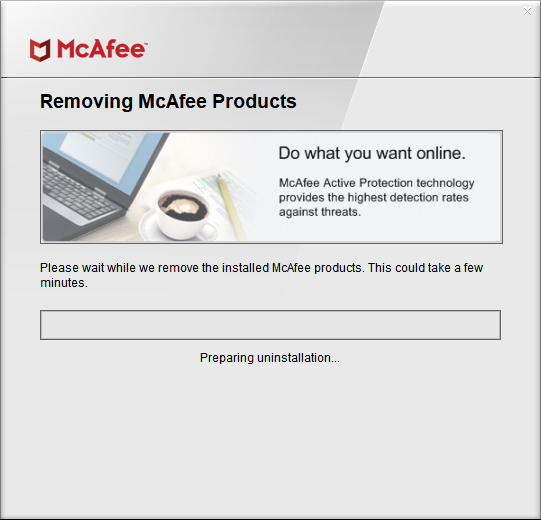
The removal of McAfee components started. You need to wait for a minute or two before the program will finish its actions.
User Review
( votes)References
- Detailed review of Microsoft Defender