
What is PUP.Optional.Miner infection?
In this article you will see the information about the PUP.Optional.Miner detection and also its adverse influence on your computer system. This program is a legitimate coin mining tool, which has an official website and is appreciated relatively well.
PUP.Optional.Miner Summary
These adjustments can be as adheres to:
- SetUnhandledExceptionFilter detected (possible anti-debug);
- Yara rule detections observed from a process memory dump/dropped files/CAPE;
- Creates RWX memory;
- Possible date expiration check, exits too soon after checking local time;
- Dynamic (imported) function loading detected;
- Reads data out of its own binary image;
- Installs OpenCL library, probably to mine Bitcoins;
- CAPE extracted potentially suspicious content;
- Drops a binary and executes it;
- Authenticode signature is invalid;
- Uses Windows utilities for basic functionality;
- Creates or sets a registry key to a long series of bytes, possibly to store a binary or malware config;
- Installs itself for autorun at Windows startup;
PUP.Optional.Miner
The most regular channels where malicious PUP.Optional.Miner examples are injected are:
- Malvertising on the Web;
- Banners shown to you by adware;
- Dubious tools downloaded online – system or registry optimizers, driver updaters, et cetera;
Right after the PUP.Optional.Miner is injected, it starts exploiting your hardware. CPU load, as well as GPU consumption, can reach 80-90%, making all normal tasks impossible. Such high numbers are needed for the exact task – cryptocurrency mining. Mining, i.e. calculating the transaction hash, is a very computationally intensive process. As you could hear, mining is usually conducted on so-called cryptomining farms – special computers that have a specific hardware setup. Mining on a regular PC makes it useless for daily tasks – browsing or modeling. Moreover, such high loads can lead to quick degradation of your hardware elements. Removing the unwanted PUP.Optional.Miner must be your main task.
PUP.Optional.Miner distribution channels.
Spreading of coin miners is oftentimes conducted through malvertising. Malicious banners can be placed by a greedy website owner, as well as shown to you by adware. Adware, exactly, is one of the most popular sources of coin miner injection. People somewhy have a silly habit to click the banners they see online, ignoring the risks this action can carry. Another way of miner injection is through a trojan virus form of injection. When it is disguised as a legitimate program, no one will just think that it can cause such serious problems.
Regardless of the exact way of PUP.Optional.Miner injection, the advice about how to avoid it is pretty easy. Do not click on the banners online – whatever they offer to you, it is too risky. If you see the ad about an attractive deal from a known retailer – better go on its website and check it manually. Also, do not trust the programs from third-party resources. Torrent-trackers, “free” software distribution sites and online forums are the best places to distribute your malware. Be careful online – and your system will be safe.
Technical details
File Info:
name: 53AECC5986BCC31EC7B4.mlwpath: /opt/CAPEv2/storage/binaries/f3d965d0c56e2d348b8f9d9614c3835bfc6ccd35e2e8fb46982ebef6b6c22737crc32: F8CC686Amd5: 53aecc5986bcc31ec7b4a72cbb96e1d0sha1: c6dfa8a1830312053a9a64a59ffc72e6d97ba652sha256: f3d965d0c56e2d348b8f9d9614c3835bfc6ccd35e2e8fb46982ebef6b6c22737sha512: 8344270919ae313d9bec359a56dc0589572a8decf852d57e034a34ace8c2bc15ad72fa89d3a2858d2ad92ea808ca1f8283c42df0e8cccb232a34a5fb88aacca8ssdeep: 98304:cZeNrBaYNB75V2kvcoR10n8uk52B3VD7bd0i4S2i034CxoxJOp+DNtADIep0Cr9r:cyBaYPvcoRQ8urPbdBpPCxesatADYMS8type: PE32 executable (GUI) Intel 80386, for MS Windowstlsh: T1E47633296EC57CF8FDABBBB0F7F555D4F5A0622A2F62D0860518772D0CC3B8714652A0sha3_384: c16b4865f937d4dd0b83d3eefcd33a888ea4da87e038a5f9b82026e499ac2610dd8b5b18ba392e16d5b8452edd823031ep_bytes: 81ec8001000053555633db57895c2418timestamp: 2009-12-05 22:50:46Version Info:
0: [No Data]
PUP.Optional.Miner also known as:
| GridinSoft | Trojan.Ransom.Gen |
| Lionic | Riskware.Win32.BitCoinMiner.1!c |
| FireEye | Zum.BitCoinMiner.1 |
| McAfee | Artemis!53AECC5986BC |
| Cylance | Unsafe |
| Zillya | Tool.BitCoinMiner.Win64.366 |
| Sangfor | Riskware.Win32.BitCoinMiner.buxin |
| K7AntiVirus | Trojan ( 003bd44f1 ) |
| K7GW | Trojan ( 003bd44f1 ) |
| Cybereason | malicious.986bcc |
| Arcabit | Zum.BitCoinMiner.1 |
| Symantec | PUA.Gen.2 |
| ESET-NOD32 | a variant of Win32/CoinMiner.BW potentially unwanted |
| Avast | Win32:BitCoinMiner-GH [PUP] |
| Kaspersky | not-a-virus:RiskTool.Win32.BitCoinMiner.lii |
| BitDefender | Zum.BitCoinMiner.1 |
| NANO-Antivirus | Riskware.Win32.BitCoinMiner.crupyy |
| Sophos | Bitcoin Miner (PUA) |
| Comodo | ApplicUnsaf@#11rgpp3de6fd3 |
| DrWeb | Tool.BtcMine.83 |
| VIPRE | Trojan.Win32.Generic!BT |
| McAfee-GW-Edition | BehavesLike.Win32.PUP.wc |
| Emsisoft | Zum.BitCoinMiner.1 (B) |
| Jiangmin | RiskTool.BitCoinMiner.fu |
| Webroot | W32.BitCoinMiner |
| Avira | PUA/CoinMiner.Gen |
| Antiy-AVL | Trojan/Generic.ASMalwS.6FEC29 |
| Kingsoft | Win32.Troj.Generic_a.a.(kcloud) |
| Gridinsoft | Ransom.Win32.Gen.sa |
| GData | Zum.BitCoinMiner.1 |
| ALYac | Zum.BitCoinMiner.1 |
| MAX | malware (ai score=91) |
| VBA32 | BScope.Trojan.Zpevdo |
| Malwarebytes | PUP.Optional.Miner |
| Rising | HackTool.CoinMiner!1.CA68 (CLASSIC) |
| Yandex | Trojan.Miner!nyn8jf3Ox4k |
| Fortinet | Riskware/CoinMiner |
| AVG | Win32:BitCoinMiner-GH [PUP] |
How to remove PUP.Optional.Miner virus?
Unwanted application has ofter come with other viruses and spyware. This threats can steal account credentials, or crypt your documents for ransom.
Reasons why I would recommend GridinSoft1
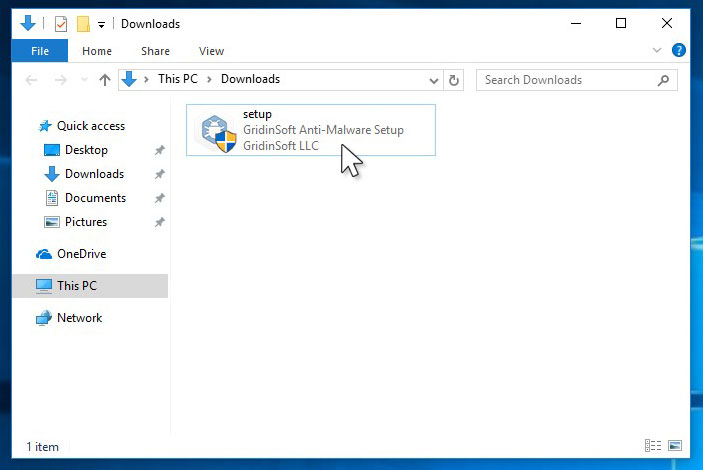
Run the setup file.
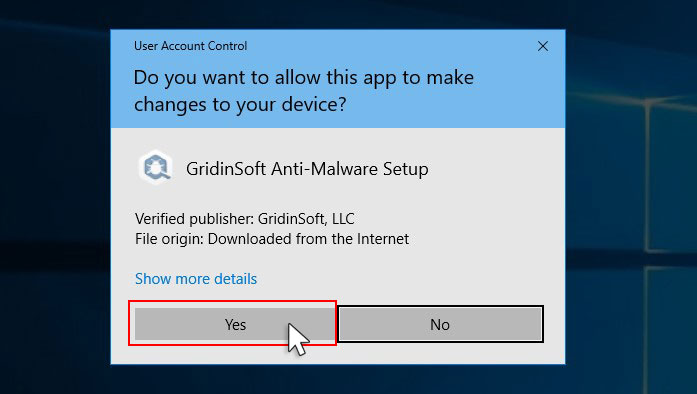
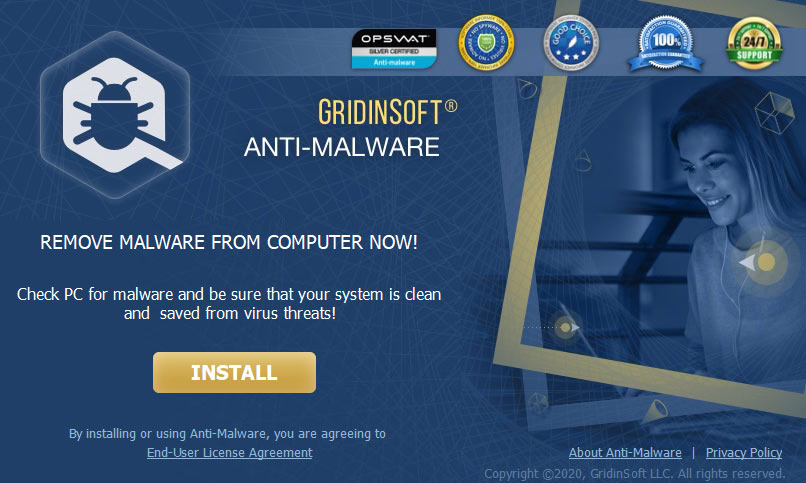
Press “Install” button.
Once installed, Anti-Malware will automatically run.
Wait for the Anti-Malware scan to complete.
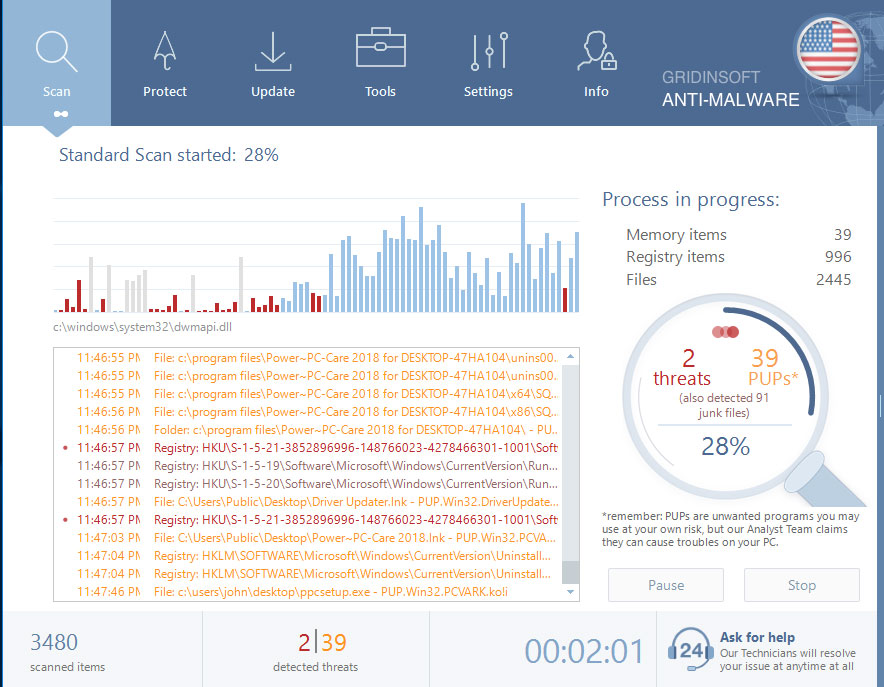
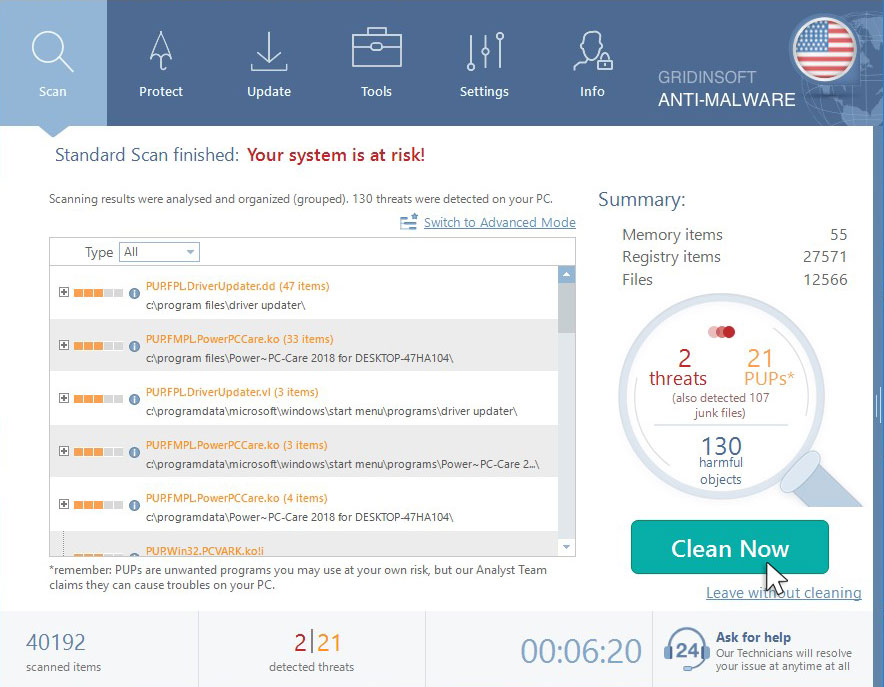
Click on “Clean Now”.
Are Your Protected?
If the guide doesn’t help you to remove PUP.Optional.Miner you can always ask me in the comments for getting help.


Leave a Comment