
Security researchers say the Iranian-linked group MuddyWater used Microsoft Teams chats and interactive screen sharing to trick employees into handing over credentials — then hid the operation behind a Chaos ransomware “false flag.”[1] Rapid7 says the intrusion resembled a typical ransomware incident on the surface (including extortion-style pressure), but the operator behavior looked more like a targeted espionage run focused on access, persistence, and data theft rather than encryption at scale.[1]
Rapid7 describes a “high-touch” social engineering phase where attackers engaged victims in Teams, initiated screen sharing sessions, and then manipulated multi-factor authentication (MFA) changes and credential entry — including persuading users to type passwords into locally created text files.[1] After initial access, the operators established persistence with remote management tools (including DWAgent and AnyDesk) and exfiltrated data before moving into an extortion posture.[1] Coverage from The Hacker News and BleepingComputer also highlights the use of off-the-shelf tooling and the broader trend of state-linked operators blending into criminal tradecraft to complicate attribution.[2][3]
If you’re trying to understand the “Chaos” branding itself (separate from this state-linked false flag), see our background on the Chaos ransomware family here: Chaos ransomware.
What defenders should do now
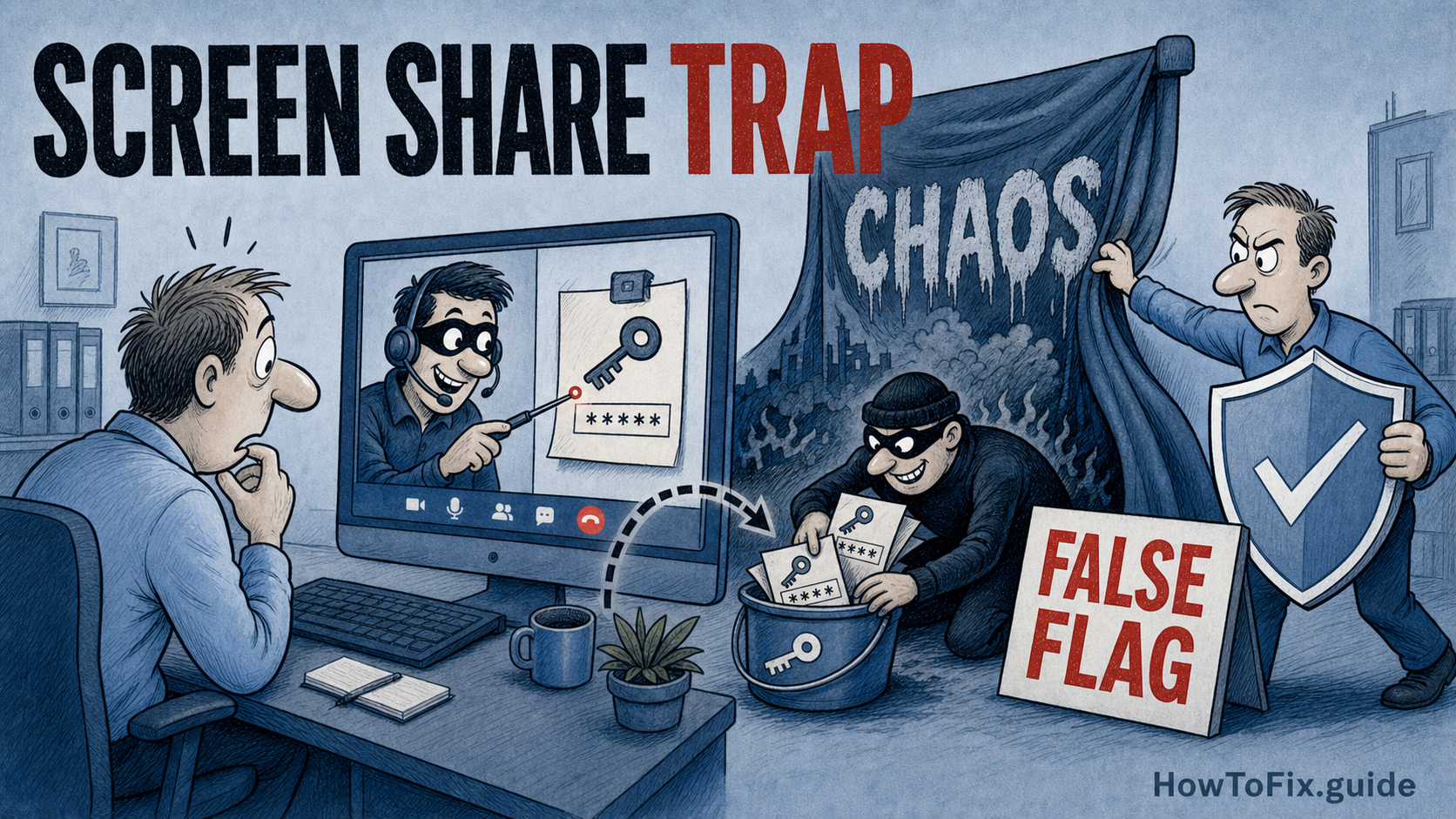
First, review how your organization handles inbound Microsoft Teams contact requests, especially from external tenants, and consider restricting or disabling external chat where it’s not business-critical. Next, treat any unexpected “IT support” outreach in Teams as a potential pretext: train users to decline screen sharing and to never type credentials into files or into “verification” prompts while someone is watching. Finally, hunt for remote management tooling that doesn’t belong — DWAgent/AnyDesk installs, suspicious persistence, and unusual RDP activity — and correlate those events with Teams conversations and MFA reset events.[1]
Because the reported activity blends ransomware-style pressure with targeted access and exfiltration, also validate that your incident playbook covers both cases: credential compromise response (session revocation, token reset, MFA re-enrollment) and data-theft response (scoping, legal/notification, and containment).[1]
References
- Rapid7: Muddying the Tracks: The State-Sponsored Shadow Behind Chaos Ransomware (May 6, 2026)
- The Hacker News: MuddyWater Uses Microsoft Teams to Steal Credentials in False Flag Ransomware Attack (May 6, 2026)
- BleepingComputer: MuddyWater hackers use Chaos ransomware as a decoy in attacks (May 6, 2026)


Leave a Comment