
The Magic virus falls within the Phobos ransomware family. Ransomware of this type encrypts all the data on your PC (images, text files, excel tables, audio files, videos, etc) and appends its extra extension to every file, creating the info.txt text files in each folder containing encrypted files.
What is known about the Magicvirus?
☝️ A strictly accurate description for the Magic is “a Phobos family ransomware malicious agent”.
The pattern of renaming is this: id[xxxxxx].[contact_email].magic. During the encryption, a file named, for instance, “report.docx” will be changed to “report.docx.id[9ECFA84E-3437].[[email protected]].magic”.
In each directory that contains the encrypted files, a info.txt text document will be created. It is a ransom money memo. Therein you can find information on the ways of contacting the racketeers and some other information. The ransom note usually contains instructions on how to purchase the decryption tool from the racketeers. You can get this decrypting software after contacting [email protected] by email. That is it.
Magic abstract:
| Name | Magic Virus |
| Ransomware family1 | Phobos ransomware |
| Extension | .magic |
| Ransomware note | info.txt |
| Contact | [email protected] |
| Detection | Crytex.Virus.FileInfector.DDS, Win32/Filecoder.OLC, Malware-Cryptor.InstallCore.5 |
| Symptoms | Your files (photos, videos, documents) get a .magic extension and you can’t open them. |
| Fix Tool | See If Your System Has Been Affected by Magic virus |
The info.txt document coming in package with the Magic ransomware states the following:
!!!All of your files are encrypted!!! To decrypt them send e-mail to this address: [email protected]. If we don\'t answer in 24h, send e-mail to this address: [email protected] Or write us to the TOX messenger: FF06B9D86CCB0CE9D9AB2B9D26DA1765A134BE2 EB2604157233090C1FBB4960B91D235AE736A
In the screenshot below, you can see what a directory with files encrypted by the Magic looks like. Each filename has the “.magic” extension appended to it.
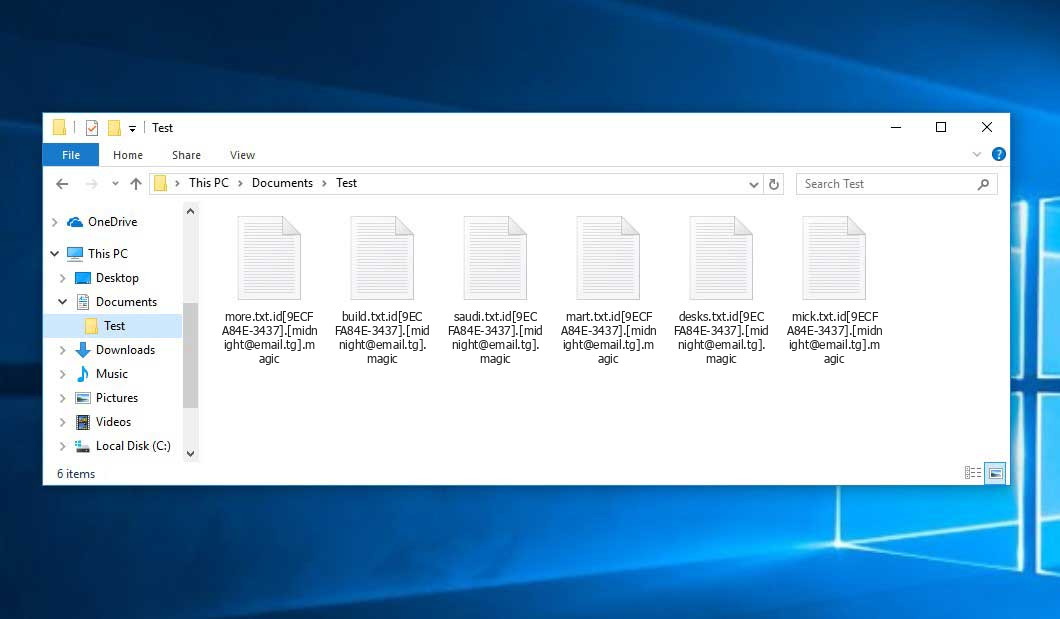
That is how encrypted “.magic” files look.
How did my machine catch Magic ransomware?
There are many possible ways of ransomware injection.
Nowadays, there are three most popular ways for evil-doers to have the Magic virus planted in your digital environment. These are email spam, Trojan injection and peer networks.
If you access your inbox and see emails that look just like notifications from utility services companies, delivery agencies like FedEx, web-access providers, and whatnot, but whose sender is strange to you, beware of opening those letters. They are very likely to have a viral file attached to them. Therefore, it is even more dangerous to download any attachments that come with emails like these.
As for the peer file transfer protocols like BitTorrent or eMule, the danger is that they are even more trust-based than the rest of the Web. You can never know what you download until you get it. So you’d better be using trustworthy websites. Also, it is reasonable to scan the folder containing the downloaded objects with the antivirus as soon as the downloading is complete.
How to remove the Magic virus?
It is crucial to note that besides encrypting your data, the Magic virus will probably deploy the Azorult Spyware on your PC to seize your credentials to various accounts (including cryptocurrency wallets). The mentioned program can derive your logins and passwords from your browser’s auto-filling cardfile.
Sometimes criminals would decode few of your files so you know that they indeed have the decryption program. As Magic virus is a relatively new ransomware, safety measures developers have not yet found a method to reverse its work. Nevertheless, the anti-ransomware instruments are frequently updated, so the solution may soon arrive.
Of course, if the evildoers do the job of encrypting someone’s essential files, the hopeless person will probably fulfill their demands. Despite that, paying to criminals gives no guarantee that you’re getting your data back. It is still dangerous. After receiving the ransom, the racketeers may deliver a wrong decryption key to the injured party. There were reports about criminals simply disappearing after getting the ransom without even writing back.
The optimal countermeasure to ransomware is to have aan OS restore point or the copies of your essential files in the cloud disk or at least on an external disk. Surely, that might be not enough. Your most important thing could be that one you were working on when it all started. Nevertheless, it is something. It is also advisable to scan your drives with the antivirus program after the system is rolled back.
There are other ransomware products, besides Magic, that work similarly. For instance, Mppn, Uyit, Maos, and some others. The two main differences between them and the Magic are the ransom amount and the method of encryption. The rest is the same: files become encrypted, their extensions altered, ransom notes appear in every folder containing encoded files.
Some fortunate people were able to decode the blocked files with the help of the free software provided by anti-malware specialists. Sometimes the racketeers accidentally send the decoding code to the victims in the ransom note. Such an epic fail allows the user to restore the files. But obviously, one should never expect such a chance. Make no mistake, ransomware is a criminals’ technology to pull the money out of their victims.
How do I avert ransomware infiltration?
Magic ransomware has no superpower, neither does any similar malware.
You can armour yourself from ransomware attack taking three easy steps:
- Ignore any emails from unknown senders with unknown addresses, or with content that has likely no connection to something you are expecting (how can you win in a lottery without participating in it?). If the email subject is more or less something you are expecting, check all elements of the suspicious letter carefully. A fake letter will always have a mistake.
- Do not use cracked or unknown software. Trojan viruses are often shared as an element of cracked software, possibly as a “patch” to prevent the license check. Understandably, untrusted programs are very hard to tell from trustworthy software, as trojans sometimes have the functionality you seek. Try searching for information about this software product on the anti-malware message boards, but the optimal solution is not to use such software.
Reasons why I would recommend GridinSoft3
Download Removal Tool.
Run the setup file.
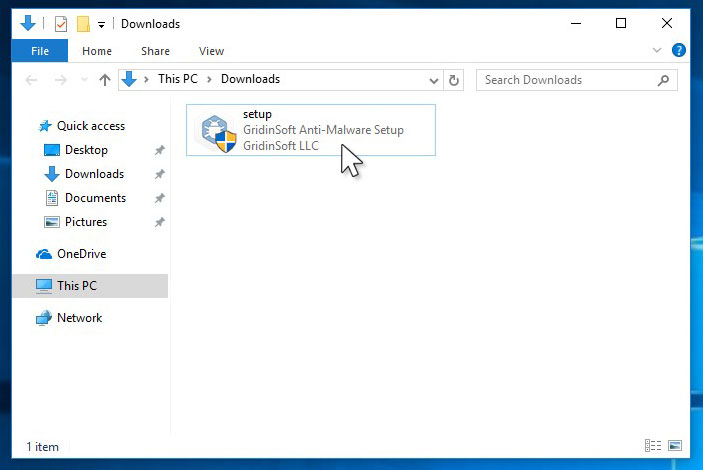
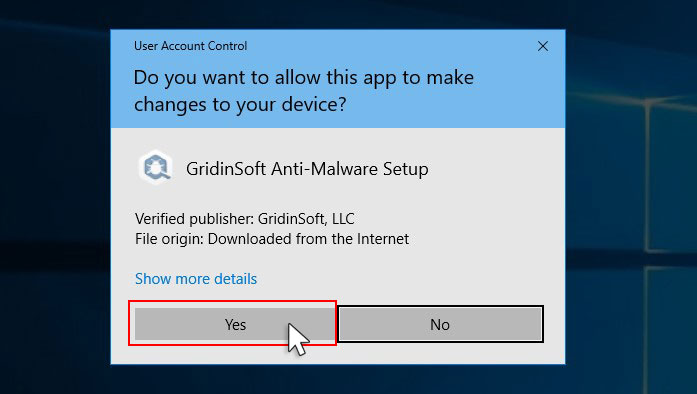
Press “Install” button.
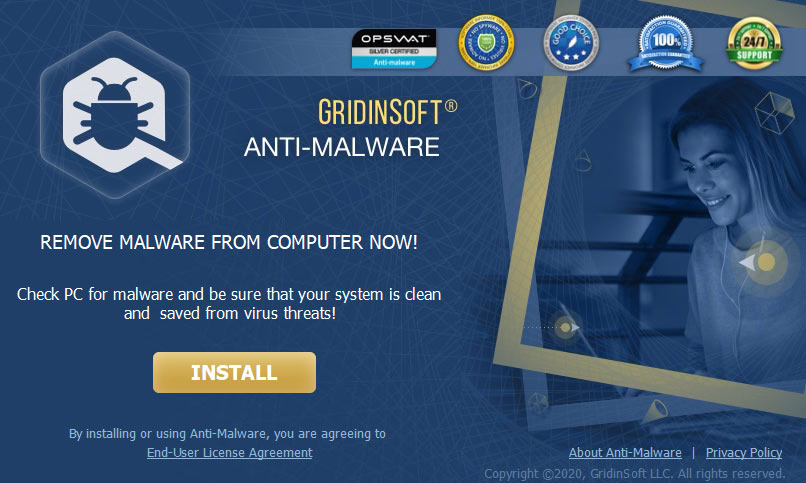
Once installed, Anti-Malware will automatically run.
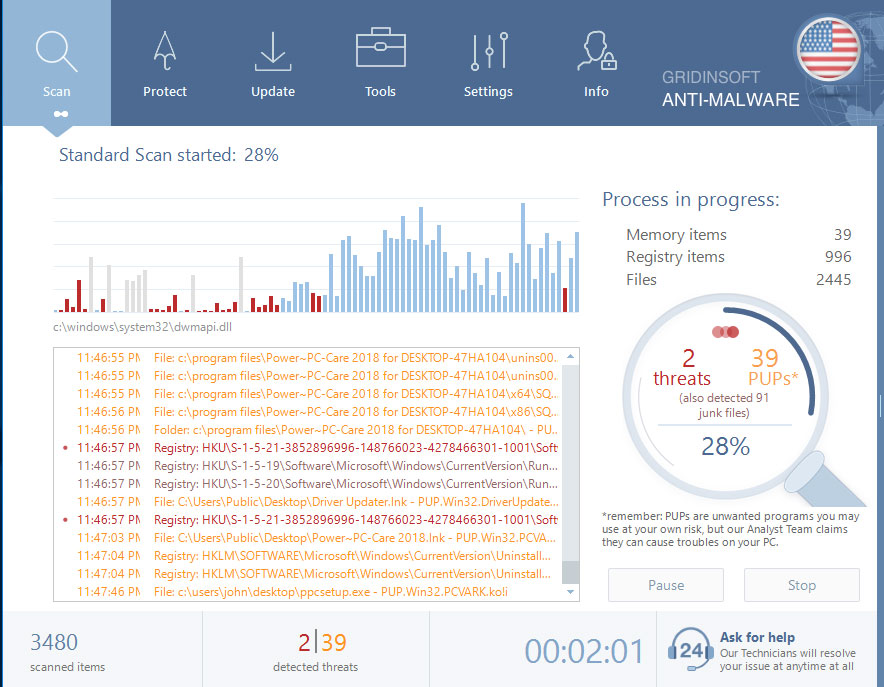
Wait for the Anti-Malware scan to complete.
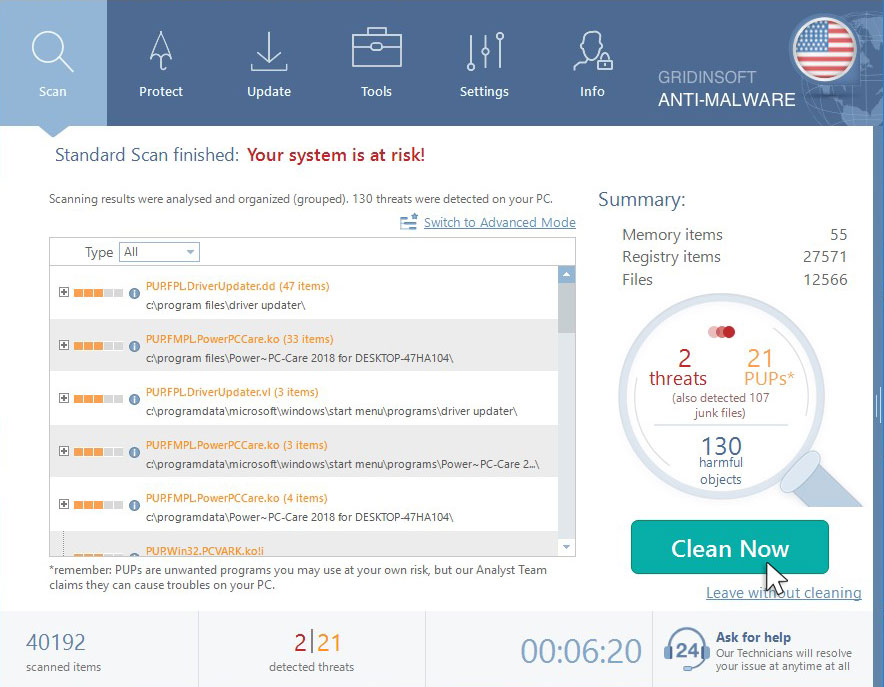
Click on “Clean Now”.
FAQ
🤔 Are the “.magic” files accessible?
Negative. That is why ransomware is so frustrating. Until you decode the “.magic” files you will not be able to access them.
🤔 The encrypted files are very important to me. How can I decrypt them quickly?
Hopefully, you have made a copy of those important files. In case you haven’t, there is still a chance that you do have a Restore Point from some time ago to roll back the whole system to the moment when it had no virus yet, but already had your files. All other solutions require time.
🤔 What to do if the Magic virus has blocked my PC and I can’t get the activation code.
🤔 What can I do right now?
Some of the blocked data can be located elsewhere.
- If you sent or received your important files through email, you could still download them from your online mail server.
- You might have shared photographs or videos with your friends or relatives. Just ask them to send those pictures back to you.
- If you have initially downloaded any of your files from the Internet, you can try to do it again.
- Your messengers, social media pages, and cloud storage might have all those files as well.
- Maybe you still have the needed files on your old computer, a notebook, cellphone, memory stick, etc.
USEFUL TIP: You can use data recovery programs5 to retrieve your lost information since ransomware blocks the copies of your files, removing the authentic ones. In the video below, you can learn how to recover your files with PhotoRec, but remember: you can do it only after you remove the ransomware itself with an antivirus program.
Also, you can contact the following governmental fraud and scam sites to report this attack:
- In the United States: On Guard Online;
- In Canada: Canadian Anti-Fraud Centre;
- In the United Kingdom: Action Fraud;
- In Australia: SCAMwatch;
- In New Zealand: Consumer Affairs Scams;
- In France: Agence nationale de la sécurité des systèmes d’information;
- In Germany: Bundesamt für Sicherheit in der Informationstechnik;
- In Ireland: An Garda Síochána;
To report the attack, you can contact local executive boards. For instance, if you live in USA, you can have a talk with FBI Local field office, IC3 or Secret Service.


Leave a Comment