
The Krzmsybap virus was originally discovered by virus analyst Tomas Meskauskas, and belongs to the Snatch ransomware family. This ransomware encrypts all user’s data on the PC (photos, documents, excel tables, music, videos, etc), adds its specific extension to every file, and creates the HOW TO RESTORE YOUR FILES.TXT files in every folder which contains encrypted files.
Krzmsybap Virus
☝️ Krzmsybap can be correctly identify as a Snatch ransomware infection.
Krzmsybap adds its specific “.krzmsybap” extension to the name of every file. For example, your photo named as “my_photo.jpeg” will be transformed into “my_photo.jpeg.krzmsybap“, report in Excel tables named “report.xlsx” – to “report.xlsx.krzmsybap“, and so on.
HOW TO RESTORE YOUR FILES.TXT file, which can be found in every folder that contains the encrypted files, is a ransom money note. Inside of it, you can find information about ways of contacting Krzmsybap ransomware developers and some other info. Inside of the ransom note, there is usually an instruction saying about purchasing the decryption tool. This decryption tool is created by ransomware developers, and can be obtained through the email, contacting [email protected] and [email protected].
Here is a summary for the Krzmsybap:
| Name | Krzmsybap Virus |
| Ransomware family1 | Snatch ransomware |
| Extension | .krzmsybap |
| Ransomware note | HOW TO RESTORE YOUR FILES.TXT |
| Contact | [email protected] and [email protected] |
| Detection | Ransom:Win32/DMALocker.B, Backdoor.Agent.Generic, Trojan-Ransom.Win32.Zerber.ohr |
| Symptoms | Your files (photos, videos, documents) have a .krzmsybap extension and you can’t open it. |
| Fix Tool | See If Your System Has Been Affected by Krzmsybap virus |
The HOW TO RESTORE YOUR FILES.TXT file by the Krzmsybap ransomware states the following frustrating information:
Hello! All your files are encrypted and only we can decrypt them.

Contact us:

[email protected] or [email protected]

Write us if you want to return your files - we can do it very quickly!

The header of the letter must contain extension of encrypted files.
We always reply within 24 hours. If not - check the spam folder, resend your letter or try to send a letter from another email service (like protonmail.com).

Attention!
Do not rename or edit encrypted files: you may have permanent data loss.

To prove that we can recover your files, we will decrypt any three files (less than 1Mb) for free (except databases, Excel, and backups).

HURRY UP!
If you do not email us in the next 48 hours then your data may be lost permanently.
The image below gives a clear vision of how the files with “.krzmsybap” extension look like:
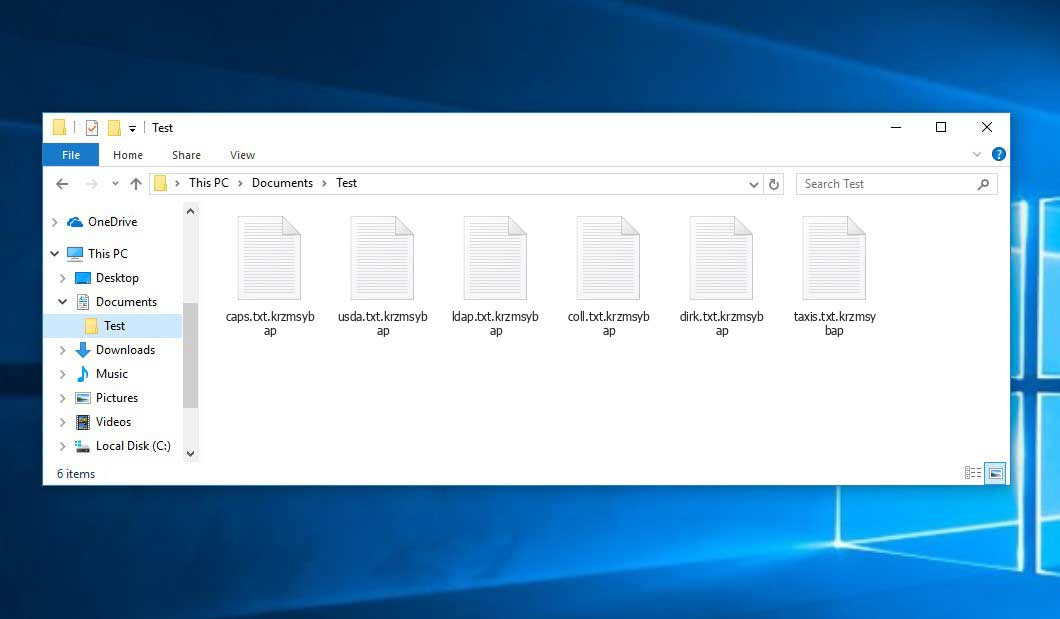
Example of encrypted .krzmsybap files
How did I get Krzmsybap ransomware on my computer?
That was a huge number of different ways of ransomware injection.
However, nowadays, there are only two ways of Krzmsybap injection – email spam and trojans. You may see many messages on your email stating that you need to pay different bills or get your parcel from the local FedEx department. But all such messages are sent from unknown email addresses, not from familiar official emails of these companies. All such letters contain the attached file, which is used as a ransomware carrier. If you open this file – your system will get infected by Krzmsybap.
In case of trojans presence, you will be offered to download and install ransomware on your PC under the guise of something legit, like a Chrome update or update for the software you are storing on your computer. Sometimes, trojan viruses can be masked as legit programs. Ransomware will be offered for download as an important update or a big pack of extensions essential for proper program functioning.
There is also the third way of ransomware injection. However, it becomes less and less popular day-to-day. I am talking about peering networks, such as torrents or eMule. No one can control which files are packed in the seeding, so you can discover a huge pack of different malware after downloading. If circumstances force you to download something from peering networks – scan every downloaded folder or archive with antivirus software.
How to remove Krzmsybap virus?
In addition to encode a victim’s files, the Krzmsybap infection has also started to install the Azorult Spyware on PC to steal account credentials, cryptocurrency wallets, desktop files, and more.
To ensure the user that ransomware distributors really have the decryption tool, they may offer to decrypt several encrypted files. And they are the single owners of this decryption program: Krzmsybap ransomware is a completely new type, so there is no legit program from anti-malware vendors, which can decrypt your files. But such a situation is in momentum: decryption tools are updating every month.
However, paying the ransom is a bad decision, too. There is no guarantee that Krzmsybap ransomware developers will send you the decryption tool and a proper decryption key. There are many cases when ransomware distributors deceived their victims, sending the wrong key or even nothing. In the majority of cases, there is a way to recover your files for free. Search for available backups, and restore your system using it. Of course, there is a chance that the backup you found is too old and does not contain a lot of files you need. But, at least you will be sure that there is no malware in your system. However, to ensure that there are no malicious programs in your system after the backup, you need to scan your PC with anti-malware software.
Krzmsybap ransomware is not unique. There are more ransomware of this type: Zwbowhtlni, Jdtdypub, Moab. These ransomware examples act similarly: encrypting your files, adding a specific extension, and leaving many ransom money notes in every folder. Two things make a difference between these ransomware – cryptography algorithm used for file encryption and ransom amount. In some cases, victims can decrypt their files without any payments, just using free solutions produced by several anti-malware vendors, or even with the decryption tool which ransomware creators offer. The last scenario is possible when ransomware distributors have typed your decryption key inside a ransom money note. However, as you can already guess, such luck is a scarce thing. Ransomware is created for money gaining, not for jokes or scaring.
Reasons why I would recommend GridinSoft2
Download Removal Tool.
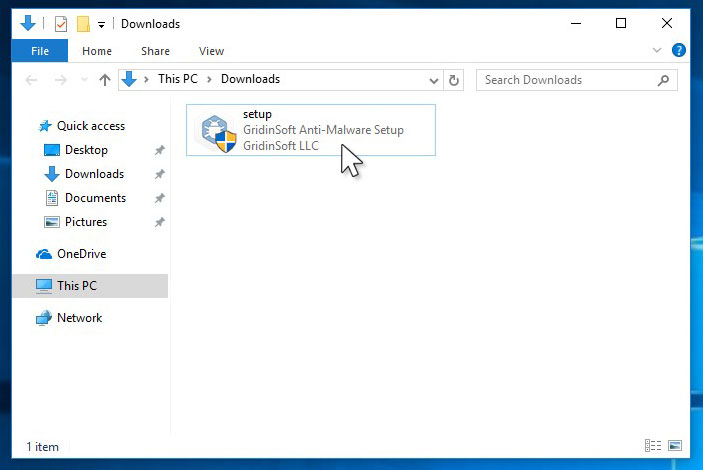
Run the setup file.
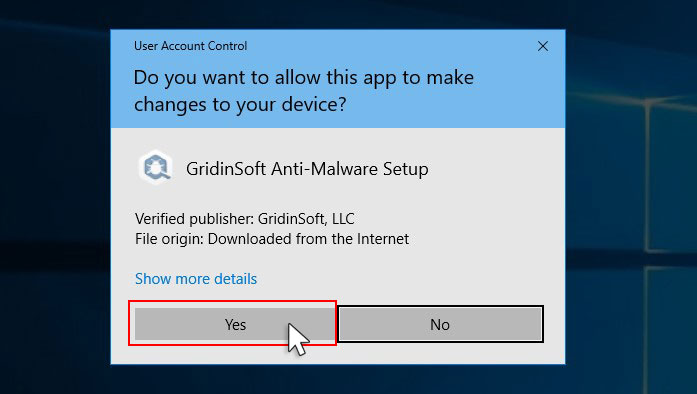
Press “Install” button.
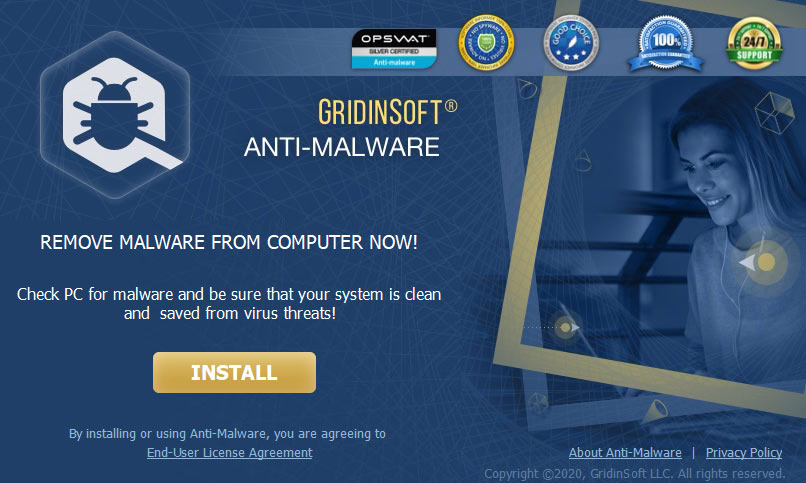
Once installed, Anti-Malware will automatically run.
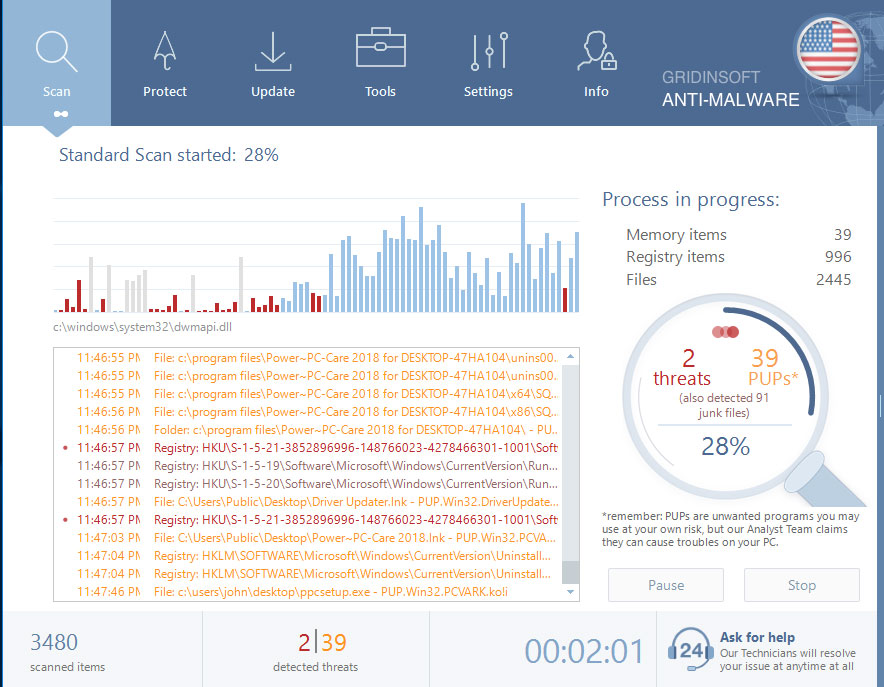
Wait for the Anti-Malware scan to complete.
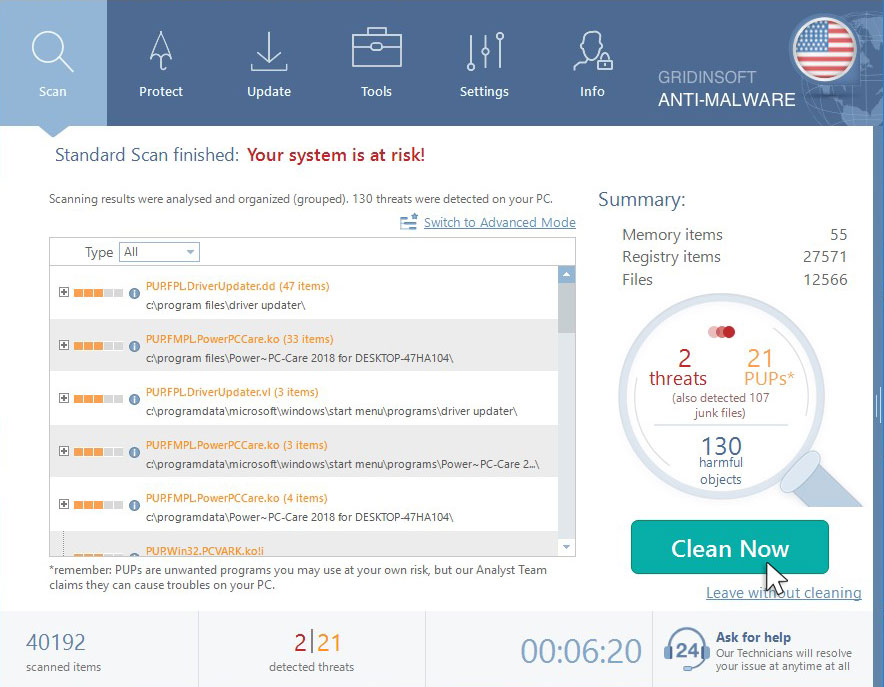
Click on “Clean Now”.
Frequently Asked Questions
How сan I avoid ransomware attack?
Krzmsybap ransomware doesn’t have a superpower.
You can easily protect yourself from its injection in several easy steps :
- Ignore all emails from unknown mailboxes with a strange unknown address or with content that has likely no connection to something you are waiting for (can you win in a lottery without taking part in it?). If the email subject is likely something you are waiting for, check all suspicious letter elements carefully. A fake email will surely contain a mistake.
- Do not use cracked or untrusted programs. Trojans are often distributed as a part of cracked software, possibly under the guise of “patch” which prevents the license check. But untrusted programs are very hard to distinguish from trustworthy software because trojans may also have the functionality you need. You can try to find information about this program on the anti-malware forums, but the best solution is not to use such programs.


Leave a Comment