
The number of cyber threats is growing by months, if not by weeks. Using anti-malware software became more of a routine than a special occasion, and obvious favorites among them popped out. GridinSoft Anti-Malware and Malwarebytes antivirus are often compared, as they belong to the same class of security tools. Detection systems, antimalware engine features, scan modes – all this seems pretty complicated and hard to understand unless you’re tech-savvy. To be understandable, the Gridinsoft vs. Malwarebytes comparison should be made in simple words. So which one is better? Here is my explanation.
About Malwarebytes
Malwarebytes is a reputable and effective anti-malware software that provides comprehensive protection against various types of malware, including viruses, spyware, ransomware, adware, and Trojans. It offers real-time protection and on-demand scanning and can detect and remove even the most sophisticated threats.
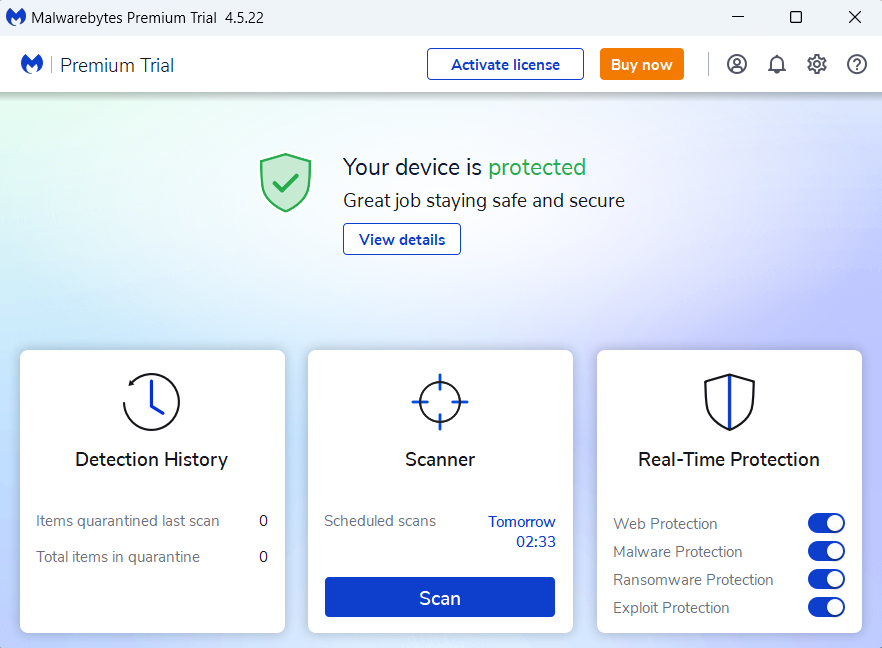
Main screen of Malwarebytes antivirus
The software has a user-friendly interface and is easy to use, even for those with limited technical expertise. It also offers various customization options, including scheduling scans, excluding specific files or folders from scans, and adjusting the level of protection.
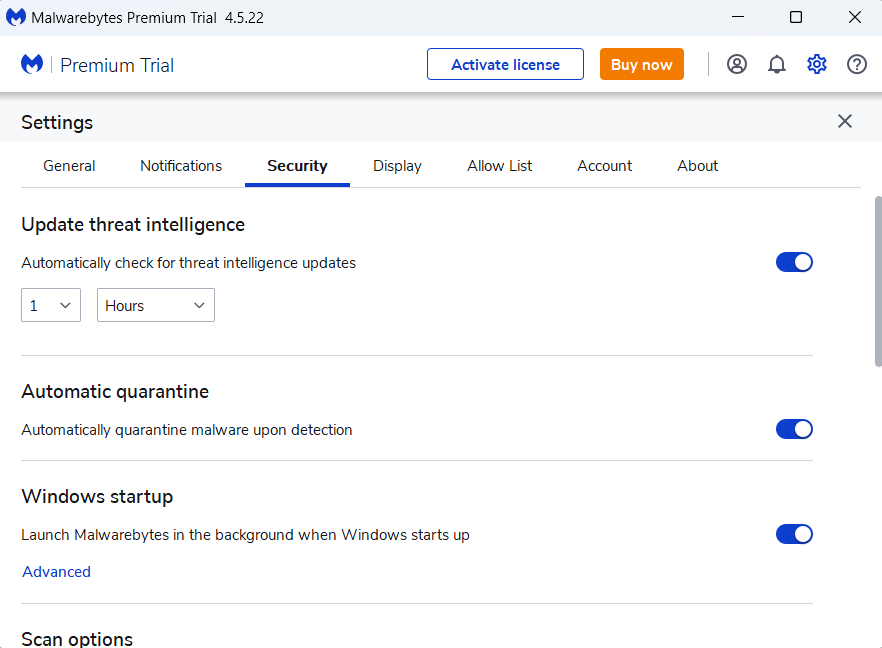
Malwarebytes antivirus features a wide range of settings
One of the unique features of Malwarebytes is its ability to detect and remove potentially unwanted programs (PUPs), which are often bundled with legitimate software and can slow down your computer or compromise your privacy. Additionally, the software has a strong reputation for detecting and removing ransomware, an increasingly common and dangerous type of malware.
Overall, Malwarebytes is a solid choice for reliable and comprehensive malware protection. Its ease of use and effectiveness make it a top choice among home and business users.
About Gridinsoft Anti-Malware
Gridinsoft Anti-Malware is a powerful and high-precious anti-malware software that offers protection against a wide range of malware, including Trojans, adware, ransomware, stealers, and rootkits. It uses a powerful heuristic analysis engine to detect and remove even the most advanced and mysterious threats that other anti-malware programs may miss.
The software has a user-friendly interface and is easy to use, even for those with limited technical expertise. It offers real-time protection and on-demand scanning. It can detect and remove potentially unwanted programs (PUPs), which are often bundled with legitimate software and can compromise your privacy and slow down your computer.
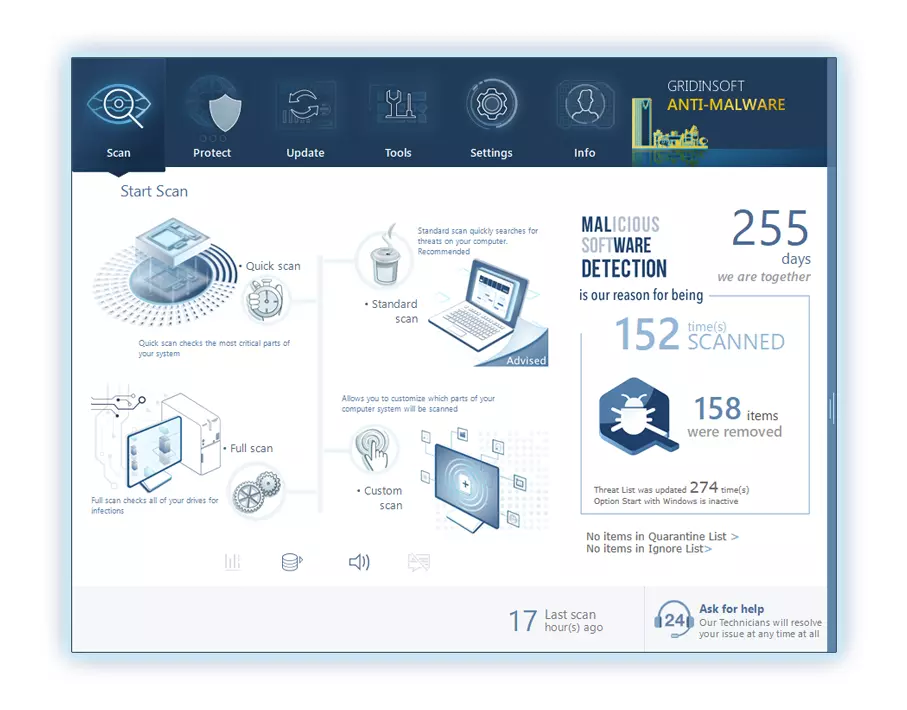
One of the key features of Gridinsoft Anti-Malware is its deep scan mode, which thoroughly scans all areas of your computer for malware, including system memory, registry, cookies, and hidden folders. This ensures that even deeply hidden malware is detected and removed.
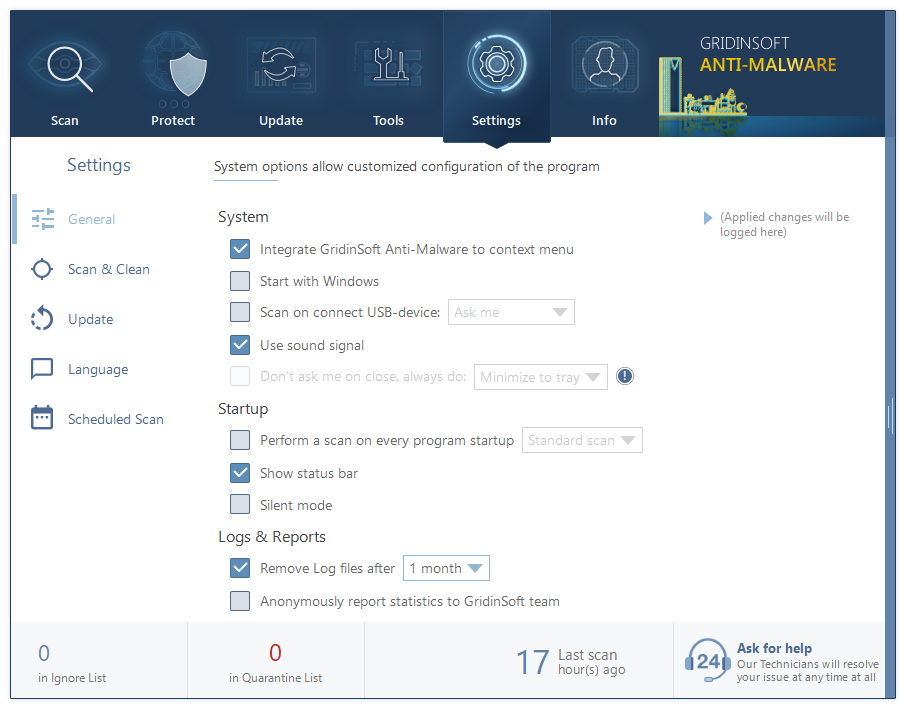
List of settings in GridinSoft Anti-Malware
This program also features a comprehensive set of customization options, including scheduling scans, excluding specific files or folders from scans, and adjusting the level of protection. Additionally, it has a strong reputation for detecting and removing ransomware, which is becoming an increasingly common and dangerous type of malware. Overall, Gridinsoft Anti-Malware is a reliable and powerful anti-malware program potent to protect against many threats. Its deep scan mode, customization options, and effectiveness make it a solid choice for anyone looking for advanced malware protection.
Gridinsoft vs. Malwarebytes
Gridinsoft and Malwarebytes are reputable anti-malware software programs offering comprehensive protection against various types of malware. However, there are some differences between the two products that may affect Gridinsoft vs Malwarebytes challenge:
- Detection and removal capabilities: Each program has powerful detection and removal capabilities. However, Gridinsoft is known for being particularly effective at detecting and removing even the most advanced and secretive threats. This is partly due to its use of a powerful heuristic analysis engine that can detect previously unknown threats.
- User interface and ease of use: Malwarebytes has a user-friendly interface that is easy to navigate and use, even for those with limited technical expertise. Gridinsoft’s interface is also user-friendly, but it may be a bit more intimidating for those who are not as familiar with anti-malware software.
- Customization options: Both programs offer a range of customization options, but Gridinsoft may offer more advanced customization options, including the ability to customize the level of protection and configure detailed scan settings.
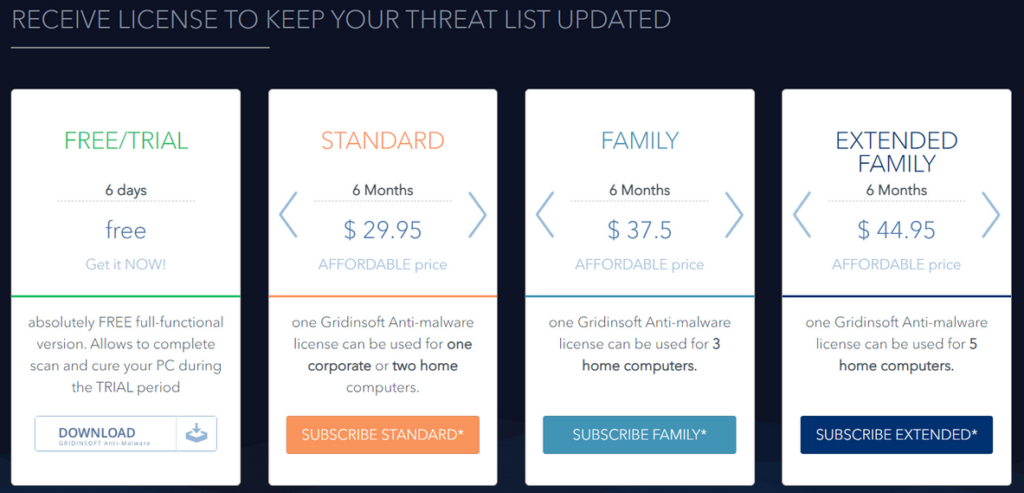
- Pricing: Malwarebytes offers a range of pricing options, including a free version and a paid version with more advanced features. Gridinsoft only offers a selection of licenses of different types and a 6-day free trial.

As a result, both Gridinsoft and Malwarebytes are solid choices for anti-malware protection, and your choice may depend on your specific needs and preferences. Gridinsoft may be a better choice if you look for more advanced customization options and particularly strong detection and removal capabilities. In comparison, Malwarebytes may be a better choice if you want a more tech-friendly interface and a range of pricing options for business.
