
Microsoft is warning Windows users about an active GPU mining malware campaign that reaches victims through poisoned search results and, in observed cases, AI chatbot software recommendations. The lure is practical: fake download pages for utilities such as CrystalDiskInfo, HWMonitor, Display Driver Uninstaller, FurMark, K-Lite Codec Pack, and PDFgear, all products that may appeal to people with powerful PCs and discrete GPUs.1
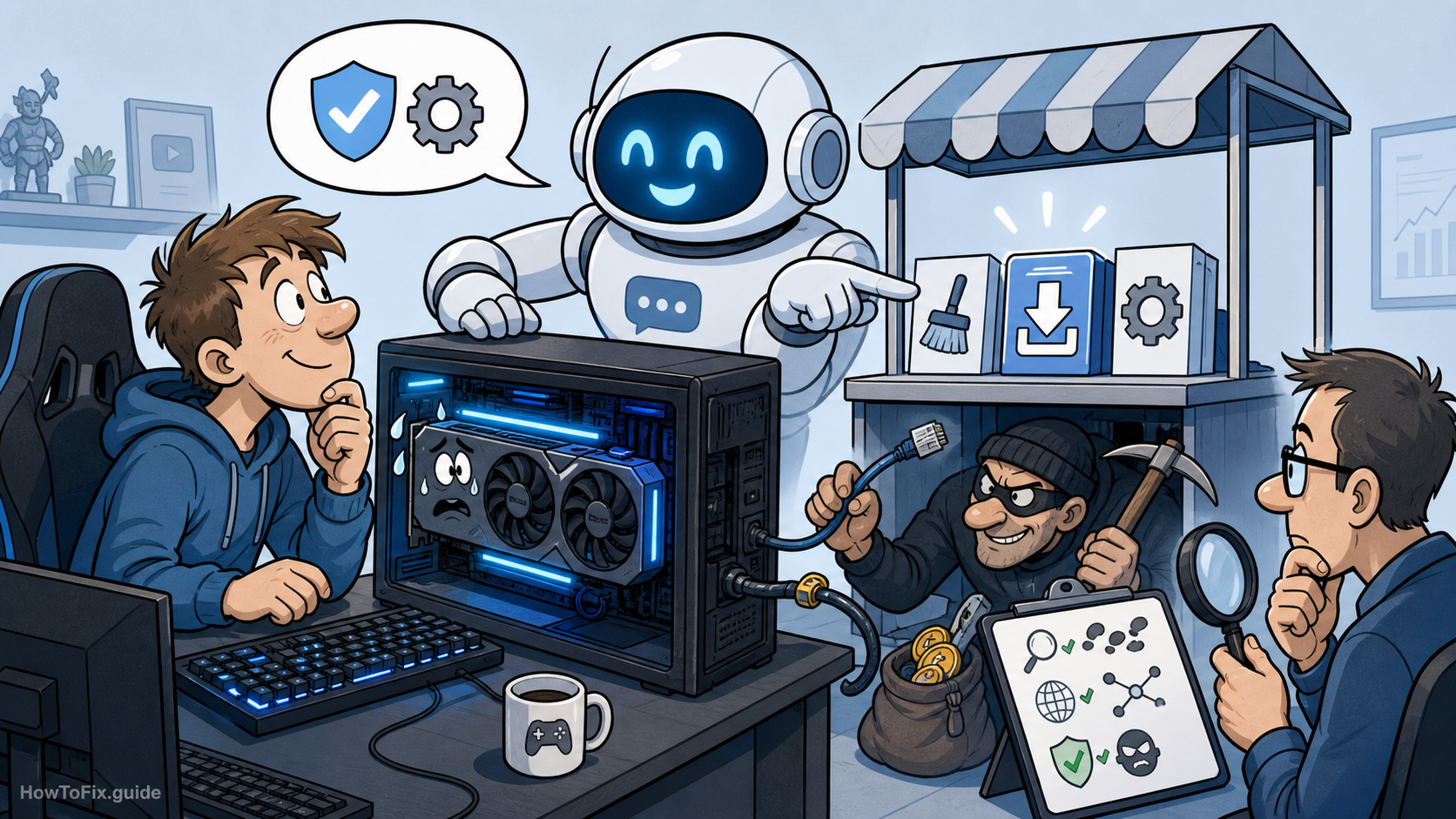
The campaign matters because it is not just a noisy coin miner. Microsoft says the infection chain also deploys the legitimate ScreenConnect remote management tool for persistent access, giving the operator a foothold that could later be used for more than mining. That makes the first triage question broader than “is my GPU busy?” Teams should also ask whether a fake utility installer created a remote access path, Defender exclusions, startup entries, or suspicious .NET process activity.1
What Microsoft found in the GPU mining malware campaign
The attack begins when a user searches for a common hardware or system utility and clicks a lookalike download site pushed by SEO poisoning. Microsoft also observed reports in April 2026 where users appeared to reach attacker-controlled domains after asking large language model-based tools for software download recommendations. Microsoft described that AI-assisted path as correlated with observed data, not proof of a systemic issue in any single AI service, but it is enough to change safe-download habits: do not treat an AI-generated link as a trust signal.1
Instead of a clean installer, the fake site serves a ZIP archive from a campaign-specific subdomain of gleeze[.]com. The archive includes a legitimate utility executable plus a malicious autorun.dll. When the victim launches the benign program, DLL sideloading loads the malicious library from the same folder, so there may be no obvious error dialog or visible broken installer moment.1
The malicious DLL then uses msiexec.exe to install vcredist_x64.dll, which Microsoft says is actually a packaged installer for ScreenConnect. ScreenConnect itself is a legitimate remote support product; the risk here is abuse of that trusted tooling. Microsoft observed the installed client trying to reach attacker infrastructure at 193.42.11[.]108 and a ScreenConnect host using directdownload[.]icu on port 8041.1
After remote access is established, the attacker drops SimpleRunPE.exe through ScreenConnect file transfer. The binary copies itself as RuntimeHost.exe into a hidden install folder, sets Hidden and System attributes, and creates six persistence mechanisms across scheduled tasks, Registry Run keys, and a Startup folder shortcut. In some cases, Microsoft saw a PowerShell script retrieve the binary and save it as vlc.exe before running it through a one-time scheduled task.1
The stealth layer is also notable. The malware attempts process hollowing into Microsoft-signed .NET utilities, including InstallUtil.exe, RegAsm.exe, RegSvcs.exe, MSBuild.exe, AppLaunch.exe, AddInProcess.exe, and aspnet_compiler.exe. It also invokes PowerShell Add-MpPreference commands to add Microsoft Defender path and process exclusions for names including RuntimeHost.exe, lolMiner.exe, SRBMiner-MULTI.exe, miner.exe, and gminer.exe.1
Once running, the hollowed payload profiles the host: CPU, GPU model and vendor, RAM, uptime, GPU usage, GPU temperature, and whether the system looks like a virtual machine or analyst environment. Microsoft lists wss[:]//minemine.gleeze[.]com:8443/ws as the C2 URL used by the hollowed binary. The miner is not embedded; the malware downloads one of three GPU mining programs at runtime: gminer, lolMiner, or SRBMiner-MULTI.1
For home users, the practical checks are simple: uninstall software downloaded from unfamiliar utility mirrors, review startup items and scheduled tasks for RuntimeHost.exe, inspect recent Defender exclusions, and run a full scan with cloud protection enabled. If you landed here while investigating a coin-miner alert, our cryptocurrency mining malware guide and ScreenConnect.client.exe removal note cover related symptoms and cleanup context.
For IT teams, Microsoft recommends enabling cloud-delivered protection, EDR in block mode, network protection, and attack surface reduction rules, including the rule that blocks executable files unless they meet prevalence, age, or trusted-list criteria. A targeted hunt should include unusual ScreenConnect service creation, suspicious ScreenConnect command execution, RuntimeHost.exe from unexpected directories, newly created Defender exclusions, and the listed gleeze[.]com infrastructure. This case also overlaps with the trust problem seen in other AI-themed lures, such as the fake OpenAI privacy-filter repository that recently dropped a Windows infostealer.
Bottom line: download utilities from the vendor’s own domain, not from a sponsored result, copied mirror, or chatbot-provided shortcut. The campaign is designed around users who are careful enough to look for known hardware tools, but not careful enough to verify the final download source.
References
- Microsoft Defender Experts and Microsoft Defender Security Research Team. “From poisoned search results to GPU mining: A cryptojacking campaign abusing ScreenConnect and Microsoft .NET utilities.” Microsoft Security Blog, May 26, 2026.
- Ionut Ilascu. “GPU mining malware spreads via SEO poisoning, AI chatbots.” BleepingComputer, May 27, 2026.


Leave a Comment