
SonicWall Gen6 SSL-VPN devices are again in the spotlight after incident responders reported attacks that bypassed MFA where CVE-2024-12802 remediation was incomplete.[1] The practical takeaway is narrow but urgent: if a Gen6 firewall still exposes SSL-VPN and uses Microsoft Active Directory over LDAP, admins should confirm that UPN login is disabled, review VPN logs, and plan replacement of unsupported hardware.
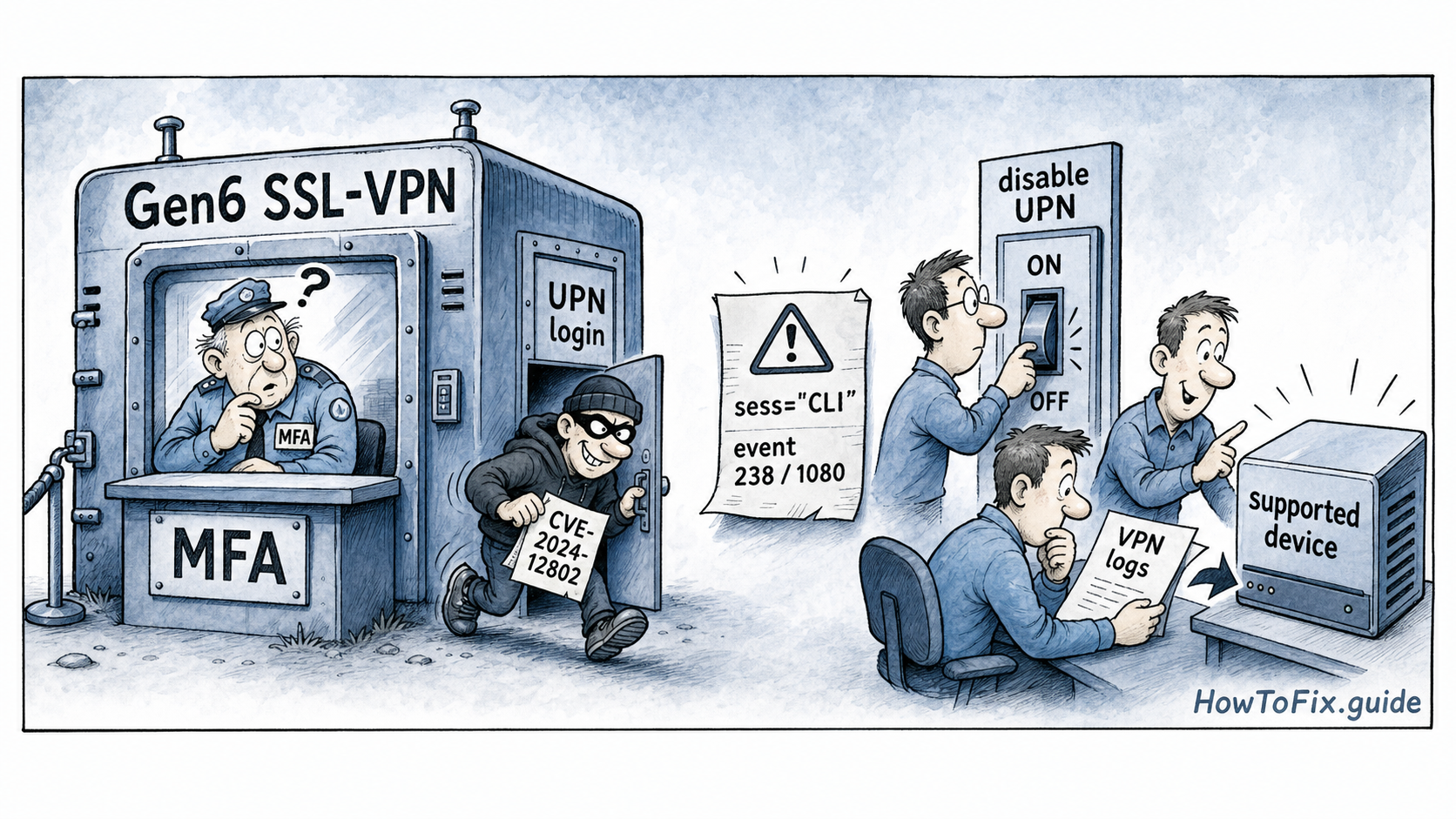
CVE-2024-12802 is an SSL-VPN MFA bypass issue tied to the separate handling of UPN (User Principal Name) and SAM account names in Active Directory integrations.[3] In plain terms, MFA can be enforced for one login name format while the alternate account name remains a weaker path. The CVE record lists the bug as critical, with a CVSS 3.1 score of 9.1, network attack vector, no required privileges, and high confidentiality and integrity impact.[4]
SonicWall published advisory SNWLID-2025-0001 for the issue in January 2025, and the affected SonicOS entries include Gen6 hardware on 6.5.4.15-117n and older, along with other SonicOS branches listed in the CVE record.[2][3] The new concern is that some Gen6 appliances may remain exposed even after firmware work because the extra LDAP configuration change was not completed. BleepingComputer, citing ReliaQuest incident response findings, reported that attackers used this gap to access VPN accounts, bypass MFA, and then move toward post-access tooling.[1]
Who is affected and what to check now
The highest-risk group is organizations still running SonicWall Gen6 SSL-VPN appliances, especially internet-facing deployments that authenticate users through Active Directory/LDAP. The important nuance is that “MFA is enabled” is not enough evidence by itself. Admins need to verify whether the alternate UPN login path was disabled as SonicWall instructed, because the bypass depends on how account names are handled.
For quick triage, start with the device generation, SonicOS version, SSL-VPN exposure, and LDAP settings. Then review VPN authentication logs for unexpected successful logins, odd source networks, newly active dormant accounts, and sessions that do not match normal user geography or hours. The reported cases also point to specific log patterns worth checking, including sess="CLI" during VPN login activity and event IDs 238 and 1080.[1] Those indicators should not be treated as proof by themselves, but they are good pivots when investigating suspicious SSL-VPN activity.
ReliaQuest’s findings, as summarized by BleepingComputer, also described follow-on activity involving ScreenConnect, Cobalt Strike Beacon indicators, and tooling associated with possible Akira ransomware preparation in one incident.[1] That makes this more than a configuration footnote. If a suspicious VPN login is found, treat it as potential initial access: rotate affected credentials, invalidate sessions, check endpoint telemetry for remote-access tools, and look for new persistence or lateral movement.
The response path is straightforward. Disable LDAP UPN login for the affected SSL-VPN configuration, restrict VPN exposure to trusted source ranges where possible, audit local and directory accounts, and replace or upgrade Gen6 devices that are out of support. Edge-device bugs follow a familiar pattern: once attackers find a reliable login or auth-bypass path, VPNs become the first foothold rather than the final target. Recent howtofix.guide coverage of Cisco SD-WAN authentication bypass exploitation, Palo Alto PAN-OS exploitation, and cPanel & WHM authentication bypass abuse shows the same operational lesson: public management and VPN surfaces need both patching and verification.
References
- BleepingComputer. “Hackers bypass SonicWall VPN MFA due to incomplete patching.” May 20, 2026. https://www.bleepingcomputer.com/news/security/hackers-bypass-sonicwall-vpn-mfa-due-to-incomplete-patching/
- SonicWall PSIRT. “SNWLID-2025-0001 / CVE-2024-12802.” https://psirt.global.sonicwall.com/vuln-detail/SNWLID-2025-0001
- CVE Program. “CVE-2024-12802 record.” https://cveawg.mitre.org/api/cve/CVE-2024-12802
- NVD. “CVE-2024-12802.” https://services.nvd.nist.gov/rest/json/cves/2.0?cveId=CVE-2024-12802


Leave a Comment