
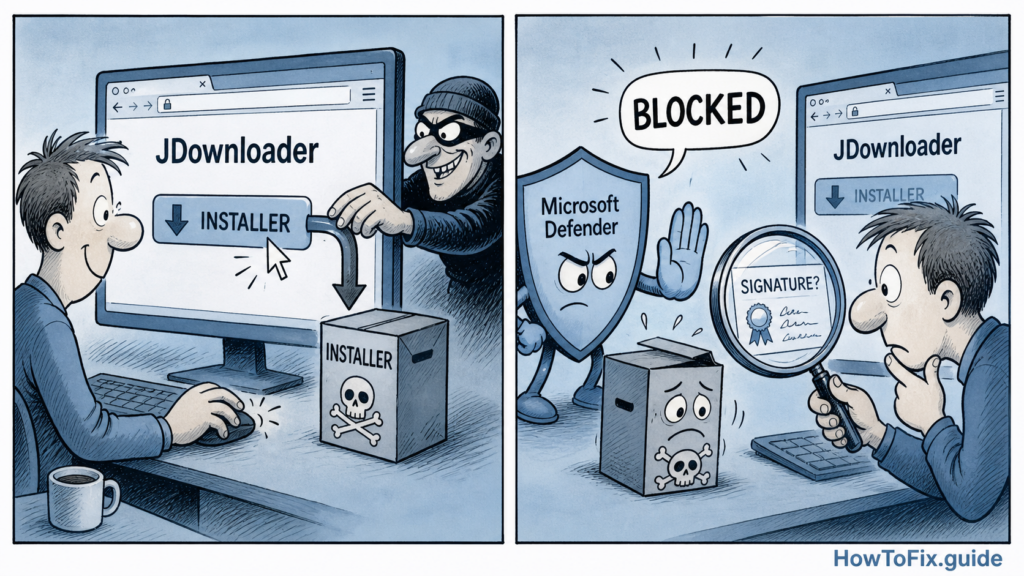
JDownloader has published an incident notice after attackers briefly changed some official website download links so they pointed to unrelated malicious files instead of genuine installers. The risk window was May 6-7, 2026 (UTC), and the affected paths were the Windows “Download Alternative Installer” links and the Linux shell installer link.[1]
This is a classic supply-chain problem at the download-link layer: the JDownloader packages themselves were not modified, but the website links that users trusted were redirected. That distinction matters for triage. Visiting the site alone is not the same as downloading and running one of the swapped installers, and JDownloader says in-app updates, macOS downloads, Flatpak, Winget, Snap packages, and the main JDownloader JAR were not tied to this website installer issue.[1]
BleepingComputer reported on May 9 that the malicious Windows files deployed a Python-based remote access trojan, based on analysis shared by researcher Thomas Klemenc. Its review of the modified Linux shell installer found injected code that fetched a disguised archive and installed Linux payload components, including a SUID-root binary and a persistence script.[2] In other words, this was not a harmless broken download. If a malicious installer was executed, the safer assumption is that arbitrary code may have run on the device.
The pattern should feel familiar to anyone following recent installer attacks. Earlier this month, howtofix.guide covered DAEMON Tools installers carrying a backdoor after a website compromise. The JDownloader incident is separate, but the lesson is the same: when the official download path is abused, users need more than “redownload later.” They need to know whether they executed the file, whether the signer was correct, and whether credentials or persistence may now be exposed.
What affected users should check
| Situation | Recommended response |
|---|---|
| Downloaded from the affected website links during May 6-7 UTC but did not run the file | Delete the installer, download a fresh copy only after confirming clean links, and do not rely on the old file name as proof of safety.[1] |
| Ran a Windows alternative installer from that window | Check the digital signature. Genuine JDownloader Windows installers should be signed by AppWork GmbH; unknown, missing, or unexpected publishers are a red flag.[1] |
| Ran the affected Linux shell installer | Treat it as a high-risk execution event. BleepingComputer found behavior involving root-level persistence paths, so review the system as potentially compromised.[2] |
| Executed a suspicious installer and used passwords, tokens, wallets, SSH keys, or browser sessions on the machine | Rebuild or thoroughly clean the device first, then rotate passwords and revoke tokens from a known-clean system. |
JDownloader’s own notice says users are only in the at-risk group if they downloaded and executed an affected installer from the website links during the incident window.[1] That is a helpful boundary, but it should not be used to minimize a real execution event. If the file ran, do not stop at removing the installer from Downloads. Check for persistence, newly added startup items, unexpected scheduled tasks or services, suspicious Linux files under privileged paths, and outbound connections to unfamiliar hosts.
For Windows users, the most practical first check is the file’s publisher. Right-click the installer, open Properties, and check the Digital Signatures tab. A genuine JDownloader installer should show AppWork GmbH; a different signer, no signature, or a name that does not match the project should be treated as suspicious.[1] If Microsoft Defender or another security tool blocked the file, keep the alert details and hash before deleting it, because those clues can help later response work.
The broader takeaway is simple: official download pages are not magic trust shields. For popular tools, especially download managers and system utilities, attackers increasingly aim at the distribution path because it gives malware a trusted costume. In this case, JDownloader says the site is secure again and normal service resumed after checks in the night of May 8-9 UTC, but anyone who ran an installer from the risk window should treat the machine as suspect until proven clean.[1]
References
- JDownloader, “Website installer incident — May 2026,” public incident notice, May 2026. Incident notice.
- BleepingComputer, “JDownloader site hacked to replace installers with Python RAT malware,” published May 9, 2026. Coverage.


Leave a Comment