
Trojan:Win32/Wacatac is a Microsoft Defender detection name used for suspicious Windows files that look like trojans, droppers, password stealers, malware loaders, or heavily obfuscated installers. The same family name can appear with variants such as Wacatac.B!ml, Wacatac.H!ml, Wacatac.A!ml, or Trojan:Script/Wacatac.
The short answer is simple: do not allow the file until you know where it came from, what path Defender detected, and whether the file has a trustworthy signature. Wacatac is often a real warning, especially for cracks, game cheats, fake installers, malicious scripts, and files downloaded from unofficial mirrors. It can also be a false positive when Defender’s machine-learning model flags a new or uncommon legitimate file.
Quick verdict: real infection or false positive?
Treat the Wacatac alert as a real infection when the detected file came from any of these sources:
- a crack, keygen, activator, game cheat, loader, or patcher;
- a fake browser, driver, Flash Player, codec, or Windows update page;
- a ZIP/RAR/ISO file from a forum, torrent, Discord message, Telegram channel, or file-sharing site;
- a JavaScript, VBS, PowerShell, batch, or HTML file you did not intentionally create;
- a random folder under
AppData,Temp,Downloads, or a browser cache directory.
A false positive is more plausible when the file is from the original vendor, has a valid digital signature, lives in the expected installation folder, and other reputable scanners do not detect it. Even then, avoid creating a permanent Defender exclusion until the vendor or Microsoft confirms the file is clean.
What does Trojan:Win32/Wacatac mean?
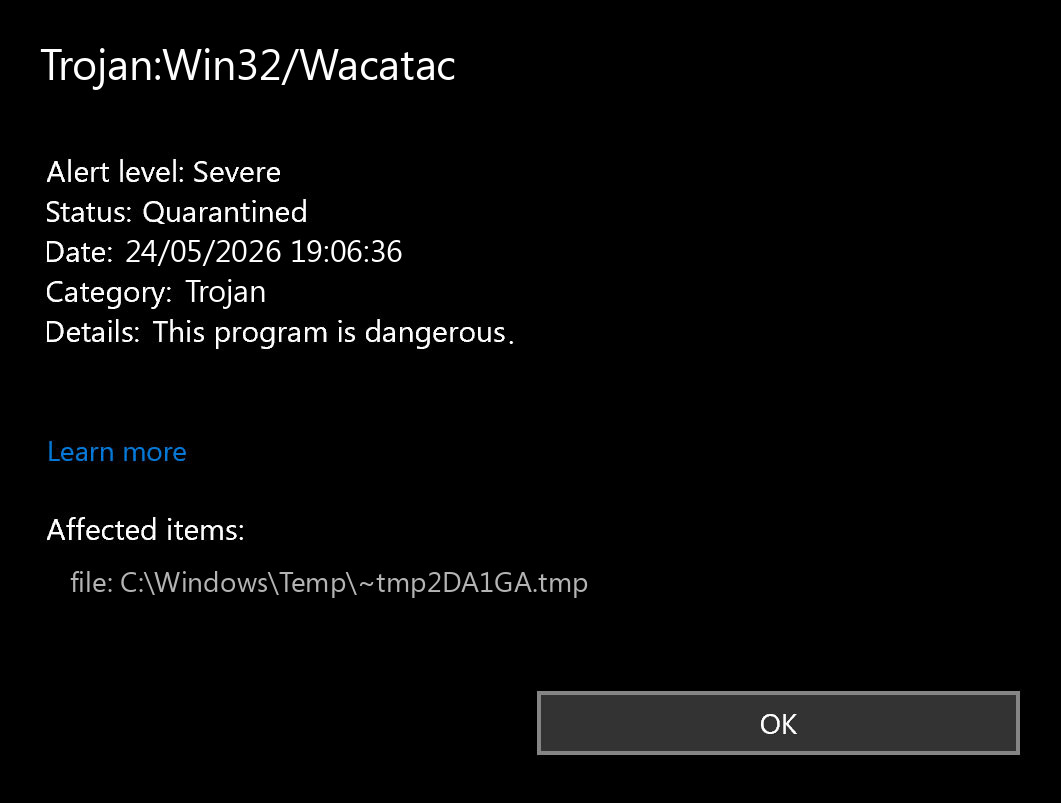
Wacatac is not one single executable with one fixed file name. It is a broad Defender detection family. The label usually means the file matches suspicious patterns associated with trojan behavior, malware delivery, credential theft, or unwanted payloads. Defender may use signatures, cloud reputation, behavior, and machine-learning signals together.
The suffix matters:
- Win32 usually means Defender sees a Windows executable or PE-related file.
- Script usually means the detected object is script-like: JavaScript, VBS, PowerShell, batch, HTML, or a script embedded in an archive or document.
- !ml usually indicates a machine-learning/cloud-assisted detection. These can catch new threats quickly, but they can also create false positives for uncommon files.
- B, C, H, A and similar letters are variant labels. They do not always mean a user-facing difference; they often reflect how the engine classified the sample.
Wacatac variant names explained
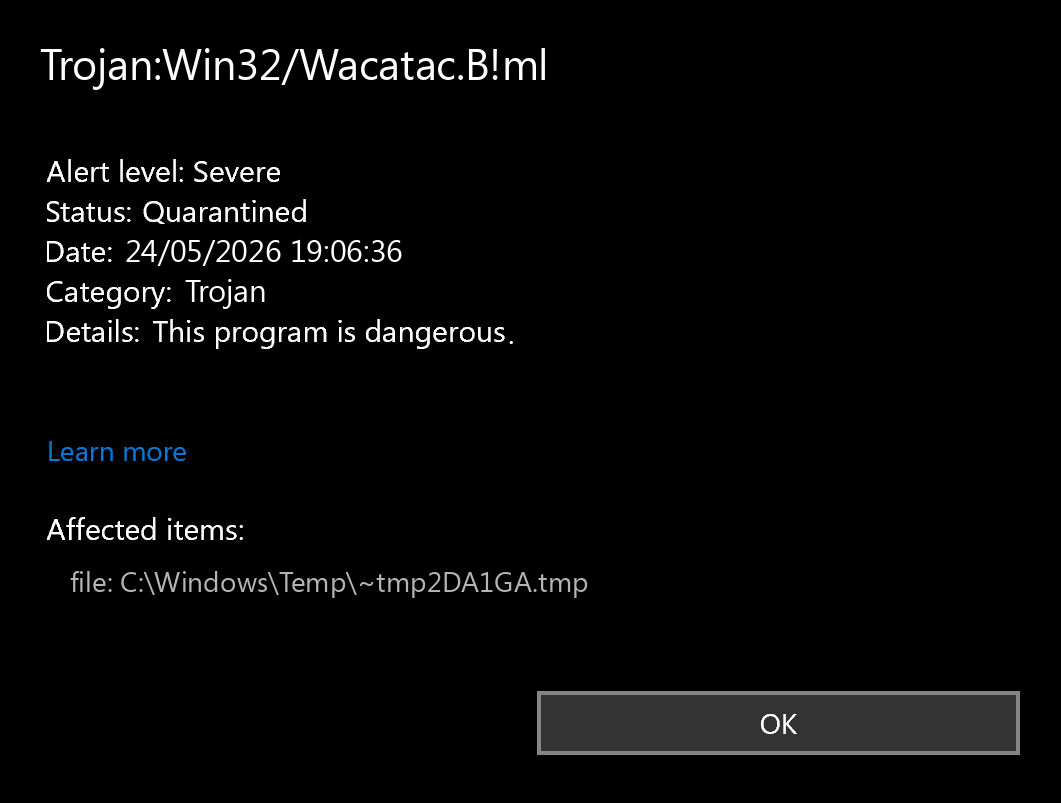
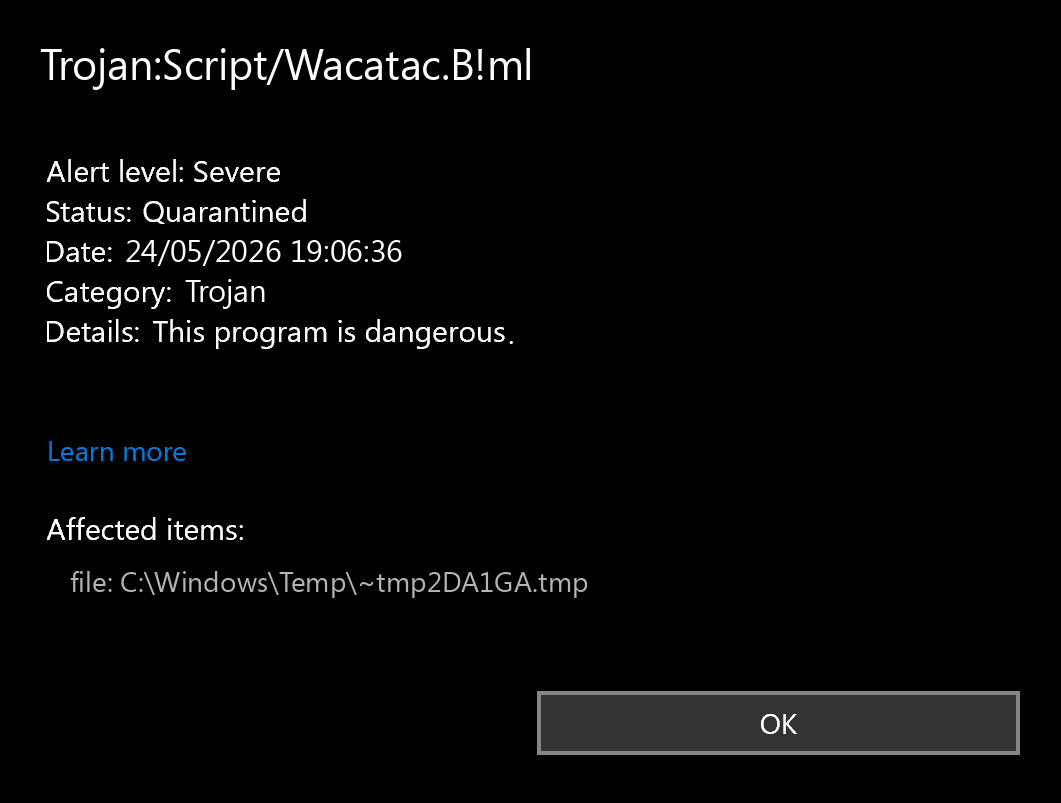
Older pages on this site treated every variant as a separate article. That created too much duplication. The practical cleanup steps are the same for most Wacatac variants, so this page now consolidates the family into one guide.
| Detection name | What to check first | Likely action |
|---|---|---|
| Trojan:Win32/Wacatac.B!ml | Downloaded executable, archive, crack, or installer source | Quarantine unless the source and signature are clearly trusted |
| Trojan:Script/Wacatac.B!ml | Script file, HTML download, browser cache, email attachment, or document macro | Remove and check browser/email/download history |
| Trojan:Win32/Wacatac.H!ml | File path, archive contents, and whether the file keeps returning | Quarantine, then scan for persistence if it returns |
| Trojan:Win32/Wacatac.A!ml | New/unknown app, unsigned binary, or developer-built file | Verify signature/source; submit as false positive only if clean |
| Trojan.Wacatac / BScope.Trojan.Wacatac | Third-party scanner naming for similar behavior | Use the same source/path/signature checks |
How dangerous is Wacatac?
A real Wacatac infection can be serious. Files detected under this family are often associated with droppers and loaders: small programs that install something else. Depending on the sample, the final payload may steal browser passwords, run a remote access trojan, download ransomware, add persistence, or open the system to later malware.
The danger is higher if the file was executed before Defender blocked it. If Defender says the threat was quarantined before execution, risk is lower, but you should still check the source and run a full scan. If Defender says remediation incomplete, active, or the same alert returns after reboot, assume something remains on the system.
File path: the fastest way to judge risk
Open the Defender protection history item and look at the affected item path. The path often tells you more than the detection name.
C:\Users\...\Downloads\...: usually a downloaded installer or archive. Delete/quarantine unless you trust the source.C:\Users\...\AppData\Local\Temp\...: often an installer drop or script. Treat as suspicious.C:\Users\...\AppData\Roaming\...: more concerning if the file tries to persist there.C:\ProgramData\...: check the folder name and publisher; malware often hides here.C:\Windows\System32\...: do not delete manually. Verify the exact file name, signature, and whether Defender points to a real Windows file or a fake look-alike.- Inside
.zip,.rar,.iso, or.7z: remove the archive if you do not need it.
False positive checklist
Use this checklist before restoring anything from quarantine:
- Was the file downloaded from the official developer domain?
- Does the file have a valid digital signature from the expected publisher?
- Is the file located in the folder where that software is normally installed?
- Does the vendor publish the same file hash or installer version?
- Do other reputable scanners agree it is clean?
- Did the alert appear immediately after extracting a crack, cheat, or unofficial package?
- Does Defender detect it again after reboot or after restoring it?
If the file is your own compiled app, new internal tool, or a niche utility from a trusted vendor, submit it to Microsoft as a possible false positive rather than telling users to disable Defender.
What to do immediately after the alert
- Disconnect from the suspicious download source. Close the browser tab, torrent client, or chat download.
- Do not click Allow on device.
- Open Windows Security → Virus & threat protection → Protection history.
- Record the detection name, affected item path, action taken, and time.
- Choose Remove or leave the file quarantined if Defender already blocked it.
- Run a full scan. If the alert involved scripts or archives, scan the folder where the file came from.
- Restart Windows and check whether the alert returns.
How to remove Trojan:Win32/Wacatac safely
If Defender removed the file and the alert does not return, that may be enough. If the alert repeats or the file was executed, use a deeper cleanup flow:
- Update Microsoft Defender definitions and Windows.
- Run a full Defender scan.
- Run Microsoft Defender Offline scan if Defender reports active malware or incomplete remediation.
- Uninstall suspicious software installed around the detection time.
- Check Startup apps in Task Manager and disable unknown entries.
- Open Task Scheduler and review recently created tasks with random names or suspicious paths.
- Check browser extensions and notification permissions.
- Delete the original archive/installer from Downloads if it is not needed.
- Run a second-opinion scan if symptoms continue.
Need a second opinion?
If Wacatac appeared after a crack, fake update, unknown installer, or a file from an unofficial source, verify the system before restoring anything from quarantine.
If Defender says remediation is incomplete
Incomplete remediation usually means Defender could not remove all related objects or the file was locked/running. Try this sequence:
- Reboot the PC and run the scan again.
- Run Microsoft Defender Offline scan.
- Boot into Safe Mode if the same file is locked during normal startup.
- Remove the original installer/archive and any related extracted folder.
- Check scheduled tasks and startup locations for the same path.
- Change passwords from a clean device if you executed the file and later saw browser or account anomalies.
Browser and account checks after Wacatac
Many Wacatac alerts begin with a download, but the risk does not end with the file. After cleanup, check:
- browser extensions you did not install;
- notification permissions for unknown websites;
- saved passwords and recent account login alerts;
- email forwarding rules or suspicious recovery email changes;
- crypto wallets, game accounts, and payment accounts if the file was a crack or cheat.
If you entered passwords after running the suspicious file, change them from another clean device and enable multi-factor authentication where possible.
When you should not delete manually
Do not manually delete random files from System32, driver folders, or Windows component folders just because a forum says Wacatac is there. First verify the path, signature, and Defender action. Manual deletion of real Windows files can break the system, while deleting only one visible file can leave persistence behind.
Manual deletion is reasonable for an obvious malicious download such as a ZIP archive, crack, fake setup file, or script in Downloads. For anything running from system locations, use Defender, Offline scan, and a second-opinion tool instead.
Official references
- Microsoft Security Intelligence file submission for suspected false positives or malware samples.
- Microsoft Defender Offline scan for threats that are difficult to remove while Windows is running.
- Microsoft Security Intelligence threat encyclopedia for Defender detection names.
FAQ
Is Wacatac always a real virus?
No. Wacatac can be a real trojan detection or a machine-learning false positive. The file source, path, signature, and behavior decide the risk.
What does Wacatac.B!ml mean?
It is a Defender machine-learning variant label under the Wacatac family. It often appears on suspicious executables, installers, cracks, or archives, but it can also flag uncommon legitimate files.
What is Trojan:Script/Wacatac?
It usually means Defender detected script-like content rather than a normal executable. Check browser downloads, email attachments, HTML files, JavaScript, VBS, PowerShell, and extracted archives.
Should I allow Wacatac in Defender?
No, not until you have verified the file. Allowing a real Wacatac sample can let a downloader, stealer, or loader run on the system.
Why does Wacatac appear for cracks and game cheats?
Cracks and cheats often use obfuscation, injection, packed executables, and downloader behavior. Those traits overlap with malware behavior, and many are genuinely malicious.
What if Wacatac keeps coming back?
Run Defender Offline scan, remove the original installer/archive, check startup entries and scheduled tasks, and scan with a second-opinion tool. A returning alert usually means the source file or persistence is still present.
 German
  Japanese
  Spanish
  Portuguese (Brazil)
  French
  Turkish
  Chinese (Traditional)
  Korean
  Indonesian
  Hindi
Hindi  Italian


Leave a Comment